
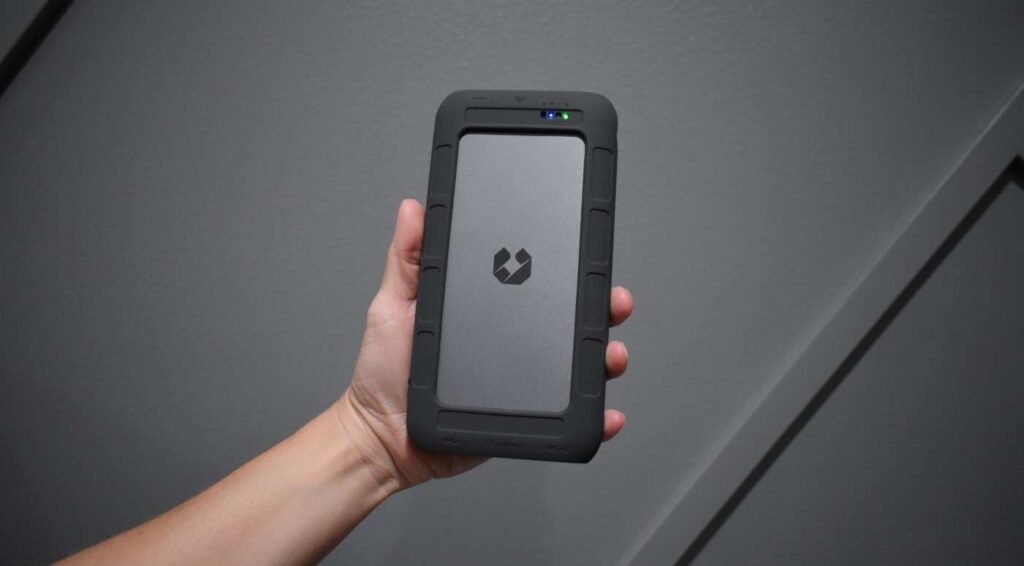
If you’ve ever wished for your own private cloud – one that’s lightning-fast, rock-solid reliable, and completely under your control – UnifyDrive UT2 NAS might just be the solution you didn’t know you were missing. It puts you in charge of your files, backups, and even media streaming, all from a single, compact powerhouse. For those who hesitate to trust traditional cloud services, the appeal is clear: a secure, personal storage system that you can access from anywhere, with permissions set entirely by you. That’s exactly what the UnifyDrive UT2 NAS delivers. Let’s dive into what makes this system stand out and why it’s quickly becoming a must-have in the tech world.
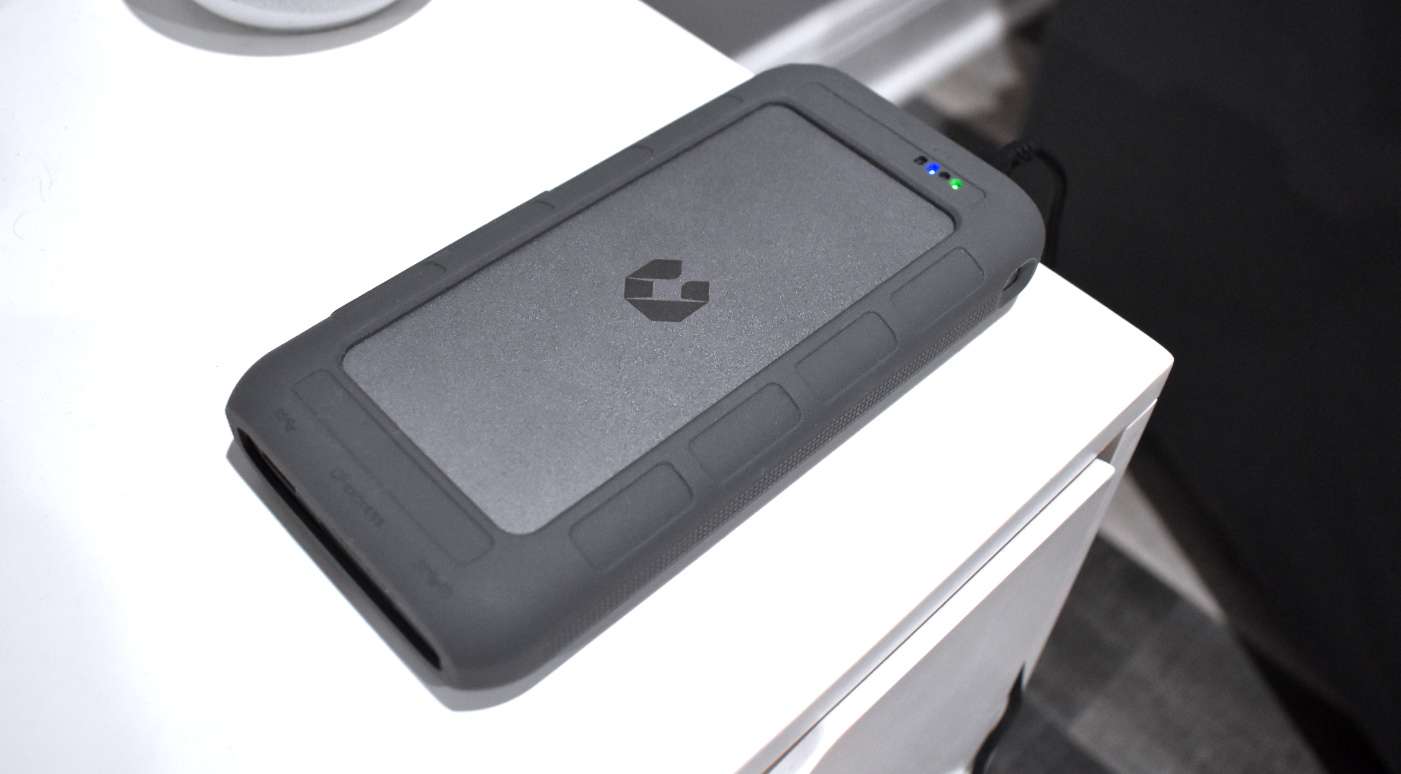
Design & Build: Thin and Very Compact
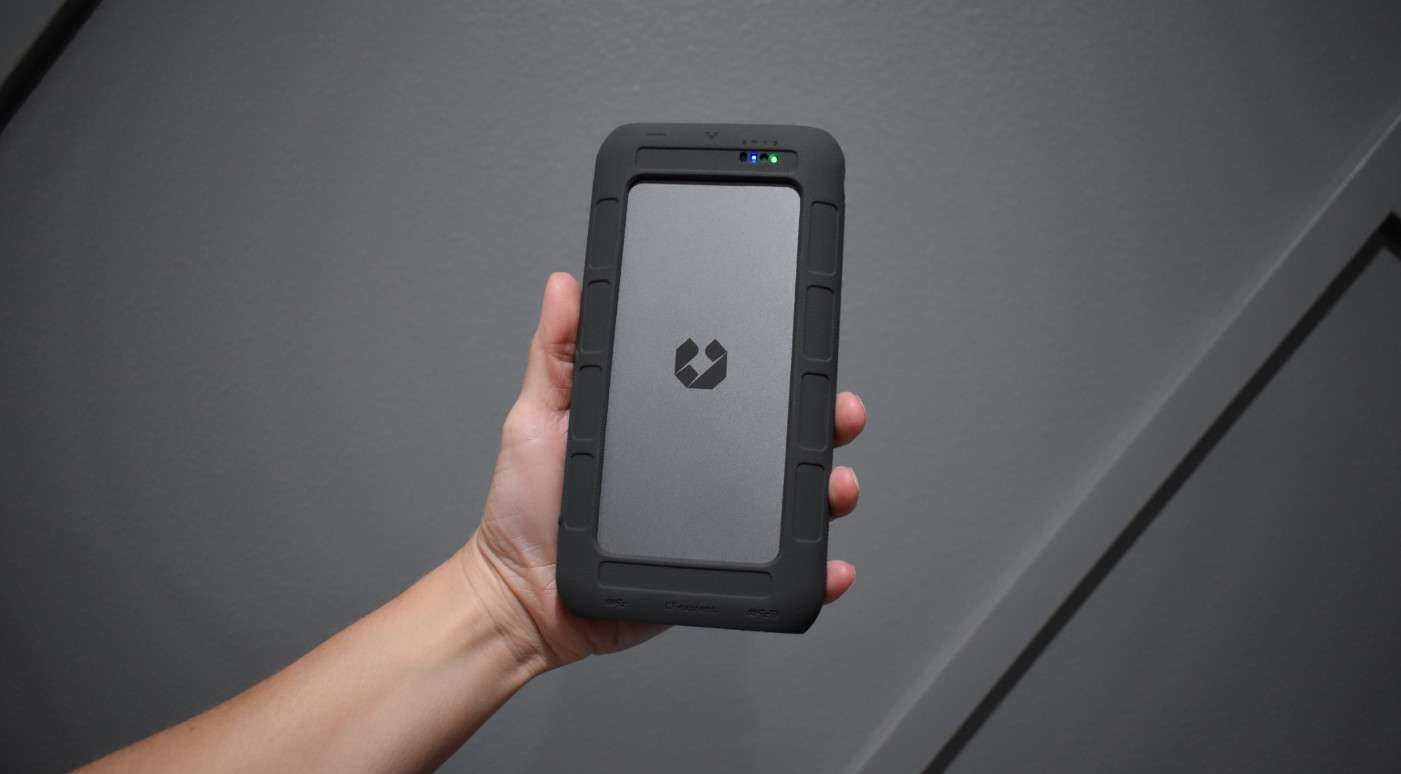
The UnifyDrive UT2 NAS immediately stands out for its sleek, space-saving design. Standing at just under 8 inches in height and featuring a matte black aluminum body (sans the optional rubber case), it slips seamlessly into any contemporary home office or studio without being obtrusive. Though compact, the UT2 delivers a solid, well-constructed feel, with clean contours and high-quality materials that convey a sense of premium craftsmanship.
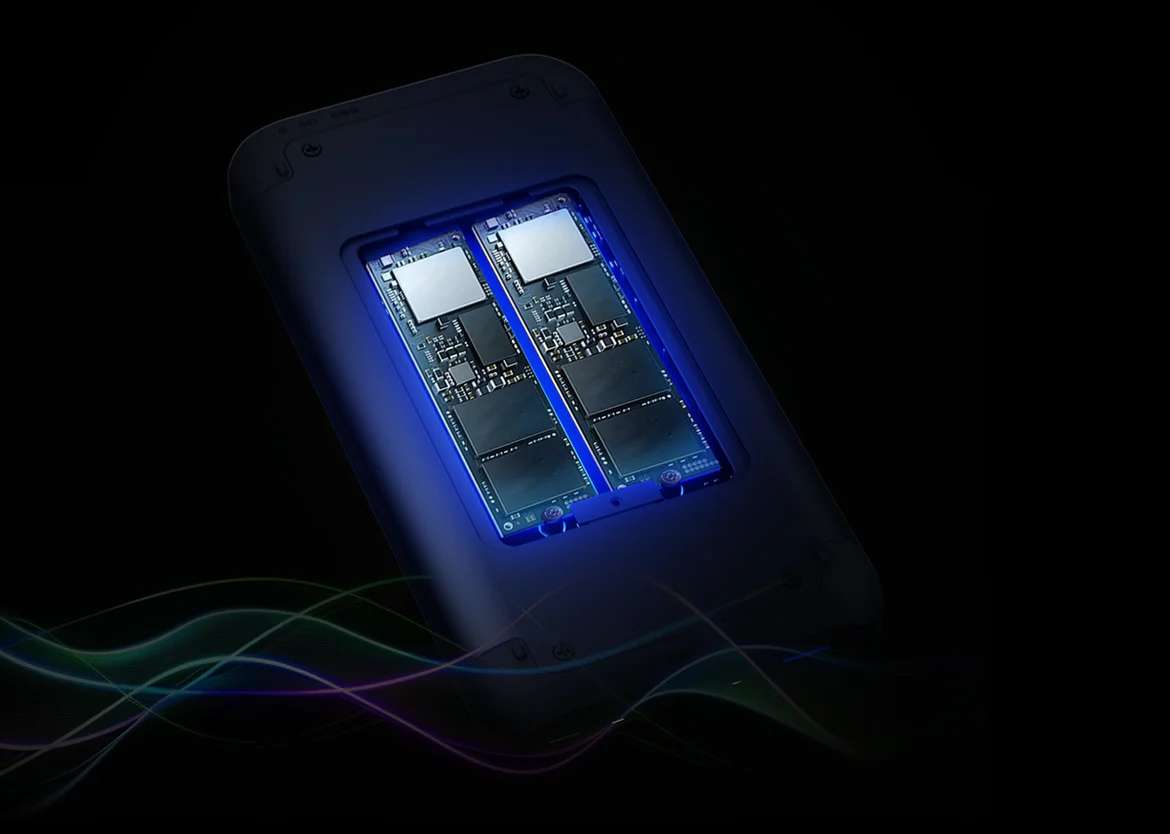
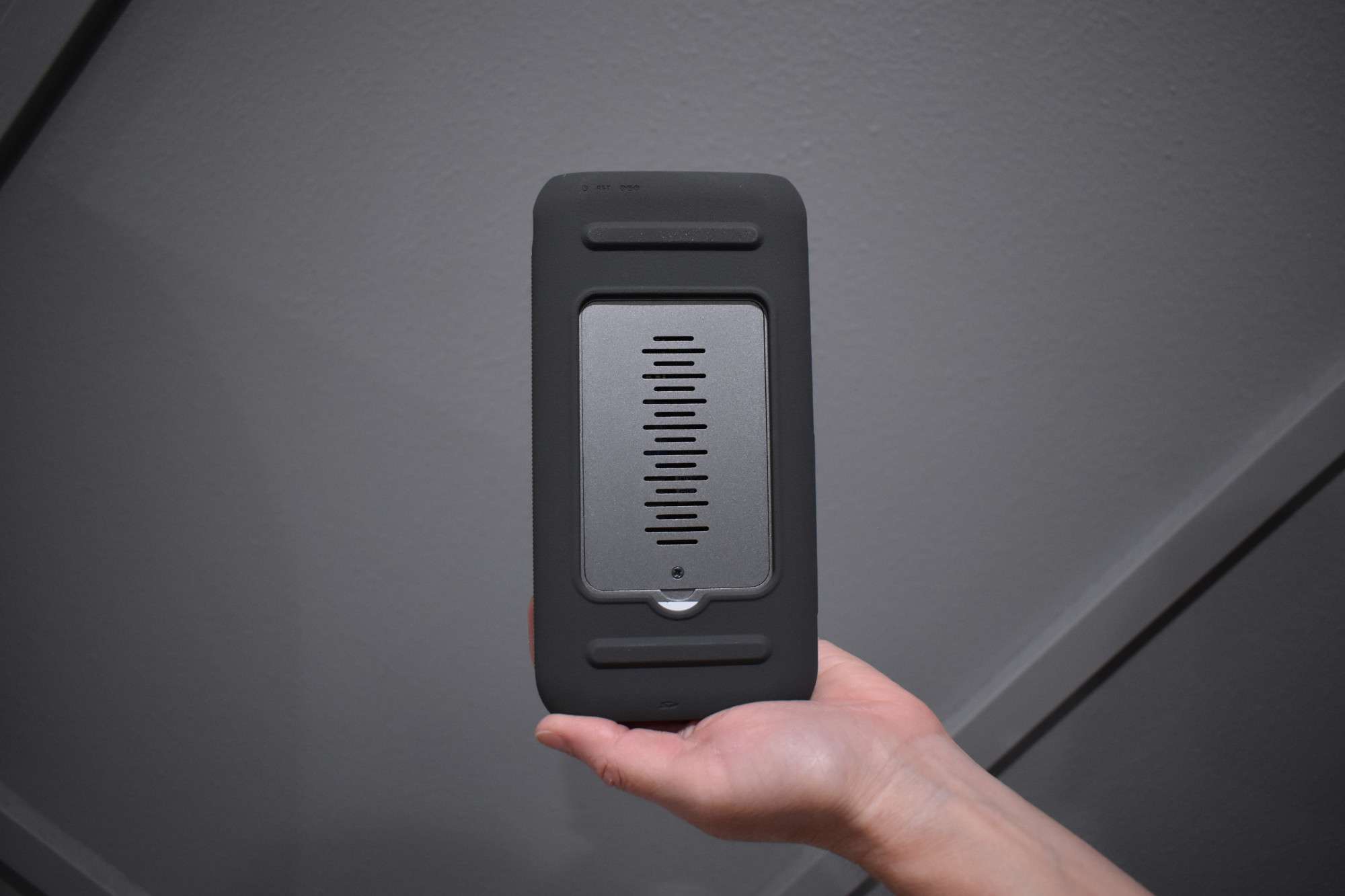
The dual-bay drive enclosure opens effortlessly with a single-screw release, making SSD installation straightforward, even for those new to the process. Inside the bay, two extra screws secure the drives firmly in place once installed. Its vibration-absorbing feet ensure the unit stays steady and nearly silent, even during demanding file transfers or RAID rebuild operations. At the back, a built-in fan activates under heavy workloads, yet stays pleasantly quiet during typical use.
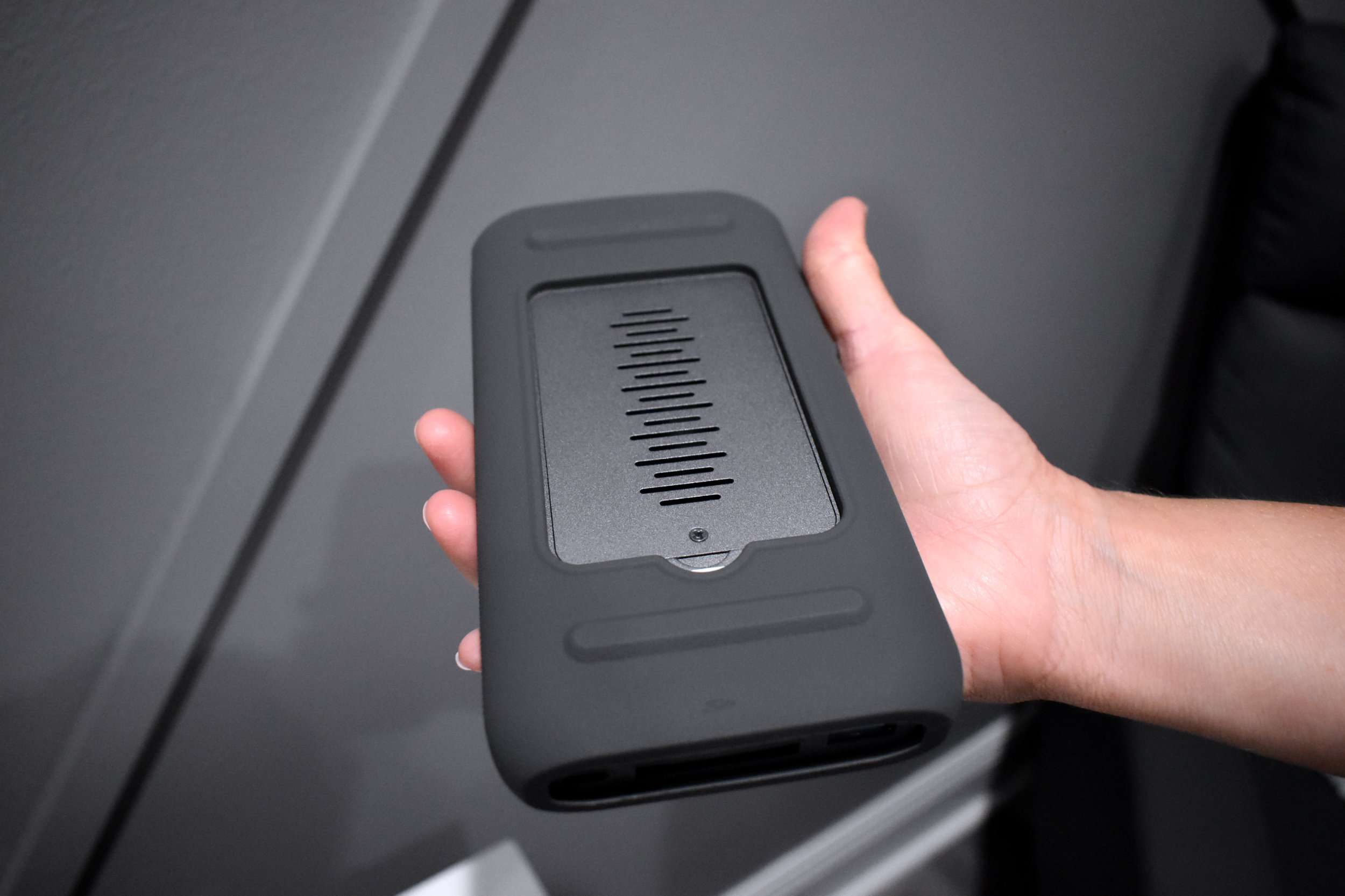
The LED indicators strike a perfect balance, offering clear cues on system activity, drive health, and network status without cluttering your workspace with constant flashes. For someone like me who values sleek aesthetics and thoughtful design, the UT2 delivers exactly what I’m looking for
Performance & Features: Compact Unit with Large Results
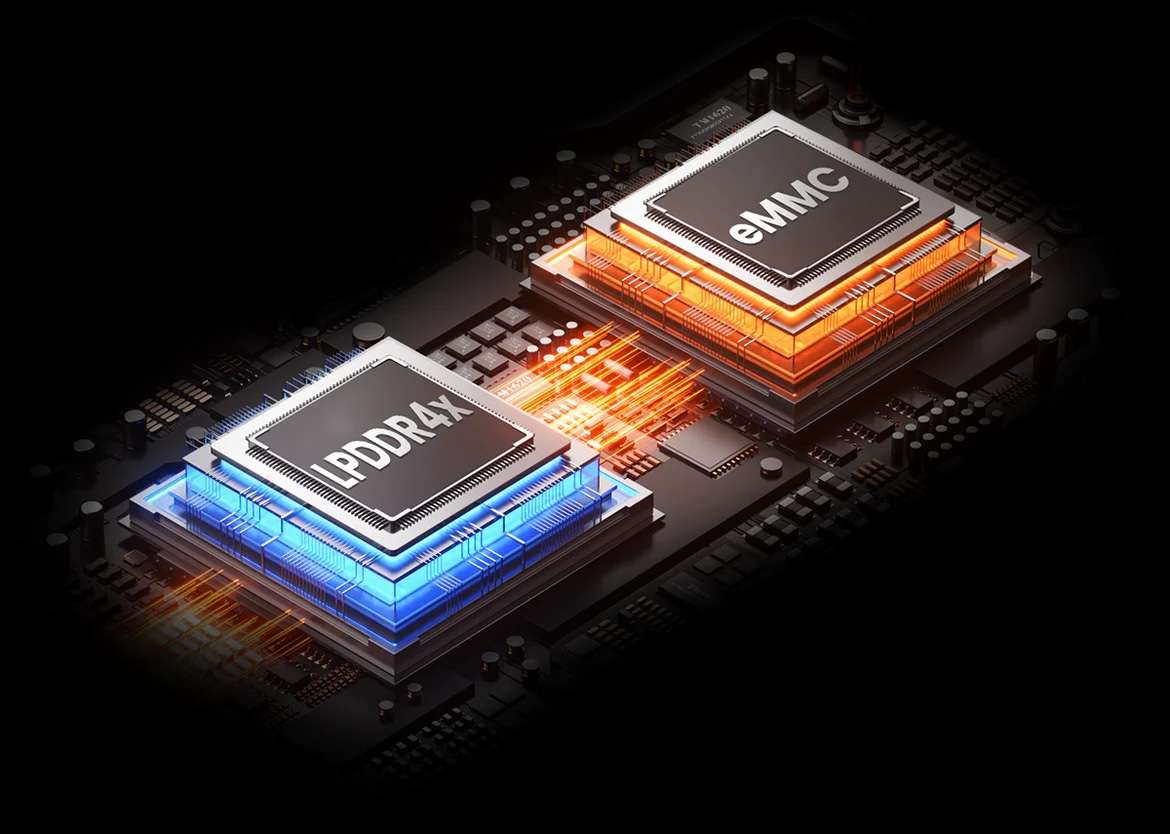
Beneath the surface, the UT2 NAS runs on an ARM processor featuring four Cortex-A76 cores paired with four Cortex-A55 cores, along with 8GB of LPDDR4X RAM. While those specs might seem modest next to bulkier enterprise NAS systems, the UT2 consistently outperforms expectations in day-to-day use. From smooth 1080p Plex streaming and simultaneous multi-device backups to reliable remote access for shared folders, it handles each task effortlessly.
Where UnifyDrive truly stands out is in its web interface. The dashboard is sleek, straightforward, and quick to respond, making it simple to create user accounts, set up RAID configurations (0, 1, or JBOD), and browse their expanding app marketplace. In just a few minutes, I had it automatically backing up both my Mac and Windows machines, while also serving as the household’s media hub.
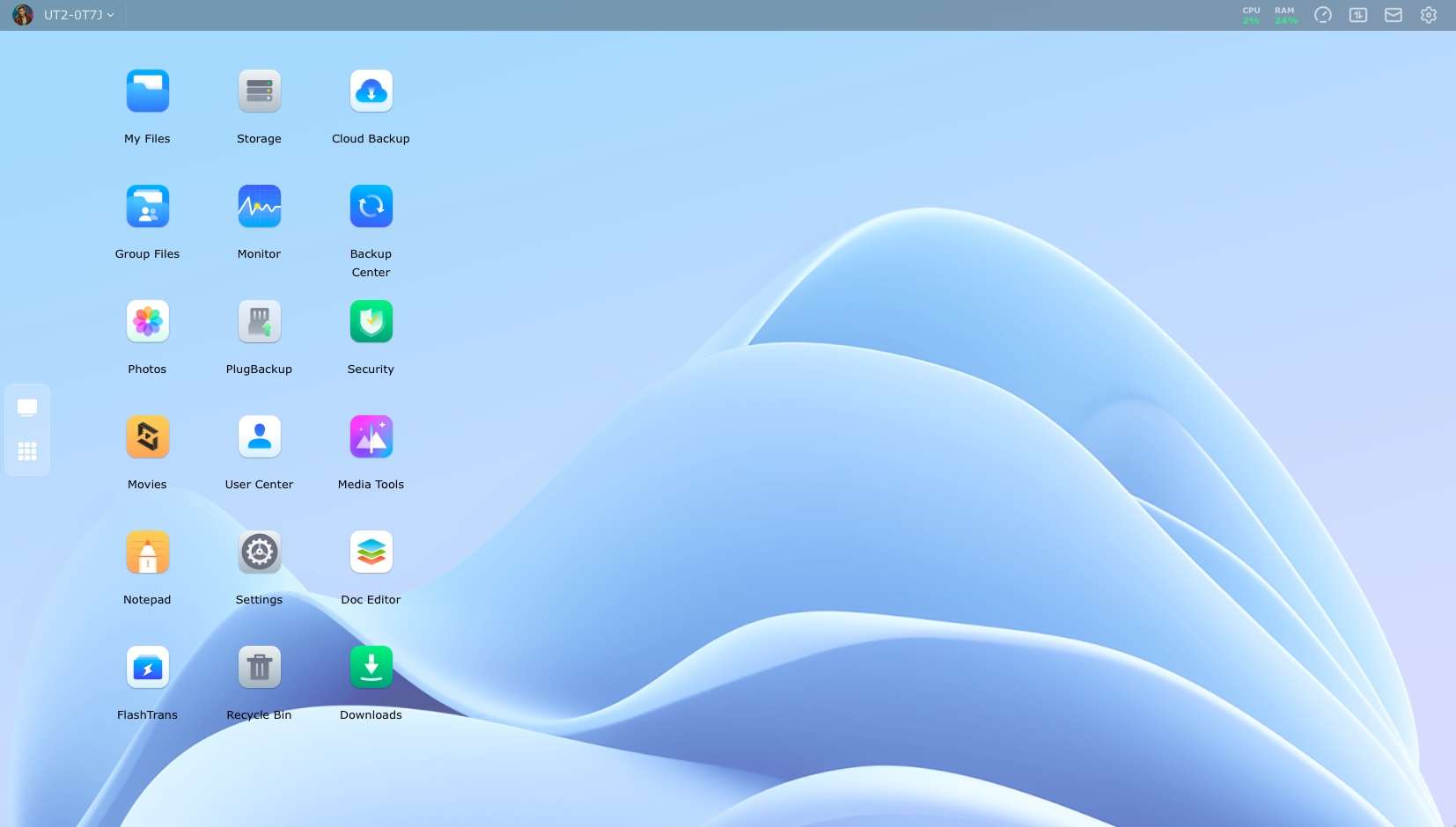
The seamless integration with major cloud platforms such as Dropbox, Google Drive, and OneDrive is a standout feature, allowing users to easily set up hybrid backup solutions. A dedicated mobile app further enhances accessibility, letting you browse files, upload images, or monitor system performance from anywhere. I found this especially handy when I needed quick access while traveling.
Performance is equally impressive. Connected via Gigabit Ethernet, I consistently achieved read and write speeds that more than met the demands of my photo and video editing tasks. For advanced users, the front-facing USB-C port supports connecting an external SSD, which can then be used as a high-speed cache or for temporary file storage.
My Experience: Easy to Setup and Let it Go
I’ve got to hand it to UnifyDrive – the UT2 strikes an impressive balance between power and straightforwardness. It doesn’t clutter the experience with needless complexity; instead, it zeroes in on delivering a NAS that’s approachable, efficient, and genuinely pleasant to use. From unboxing to ready-to-go took under 15 minutes. My network detected the UT2 instantly, and the setup wizard smoothly guided me through user permissions, RAID setup, and software updates. No command-line gymnastics. No confusion. As someone who appreciates both power and simplicity, I have to give UnifyDrive credit here.

The automated backup options are a lifesaver for capturing family memories. My phone is configured to upload photos and videos automatically as soon as I’m connected to my home Wi-Fi, while my laptops perform full-system backups on a set schedule every weekend. Everything runs quietly in the background, smooth and invisible, offering that rare sense of reassurance that all my files are secure. On top of that, there’s an AI-powered recognition system that goes beyond just identifying people and pets – it can tag a variety of objects and scenes with impressive accuracy thanks to well-tuned algorithms.
While the app library isn’t as extensive as what Synology or QNAP offers, the available tools are dependable. The movie playback software works seamlessly, and the bundled Office and Notes apps are more than adequate for light collaborative tasks. Remote access is rock-solid, even over mobile networks, and enabling the optional two-factor authentication adds a welcome extra layer of security for users who value peace of mind.
Pros:
- Sleek, space-saving design that blends into any environment
- Hassle-free SSD installation for a smooth, fast setup
- Delivers reliable performance for both home and small office use
- Built-in cloud sync and automatic backup capabilities
- Operates with near-silent noise levels
Cons:
- Premium pricing, though few alternatives match its unique feature set
- App library is smaller (at present) than rivals like Synology
Final Thoughts
The UnifyDrive UT2 NAS is an excellent choice for those wanting to explore personal or small business network storage without feeling buried in complexity. It’s sleek, whisper-quiet, quick, and refreshingly straightforward to operate. While it doesn’t pack every advanced feature found in high-end enterprise models, it nails the essentials with both style and dependability.
In my own setup, the UnifyDrive UT2 has become a trusted cornerstone – handling backups, syncing files, and streaming media across my devices effortlessly. If you need a reliable NAS that’s affordable and space-friendly, this one delivers
