
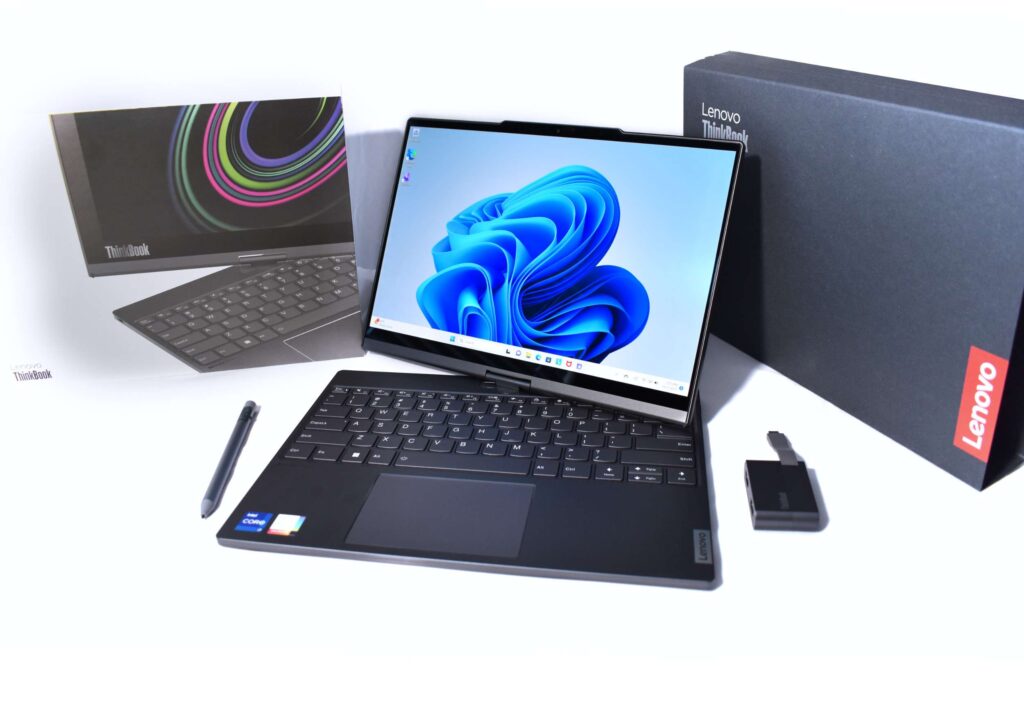
Until you’ve experienced it, the idea of having two displays on a single laptop might sound excessive, or even unnecessary. Yet Lenovo’s ThinkBook Plus Gen 4 flips that assumption on its head, proving that a dual-screen design can be both practical and inspiring. Far from following the crowd, this device embraces a bold, unconventional aesthetic that blurs the line between functionality and style. It invites you to rethink what a laptop can be, and whether innovation in form can truly enhance productivity. Let’s dive deeper into the ThinkBook Plus Gen 4 and explore the surprising capabilities it brings to the table.
What Exactly Is E-Ink?
The Lenovo ThinkBook Plus Gen 4’s color E-Ink cover display is a fascinating piece of tech. Built on e-ink technology – famous for its energy efficiency and paper-like appearance, it uses countless microscopic capsules filled with positively and negatively charged particles. Sandwiched between conductive layers, these particles shift when an electric charge is applied, forming crisp, clear images.
What makes this display special is its ability to hold an image without constantly drawing power, greatly boosting battery life. It’s glare-free, easy on the eyes, and perfect for reading, much like physical paper. This secondary display isn’t just about conserving energy; it’s about boosting productivity. You can check information, jot notes, or read documents without even opening the laptop. And with the option to set a custom, always-on wallpaper, it also brings a personal touch to your device. It’s innovation and practicality in one, setting the ThinkBook Plus Gen 4 apart from anything else in the laptop market.
A Laptop with a Hidden Twist:
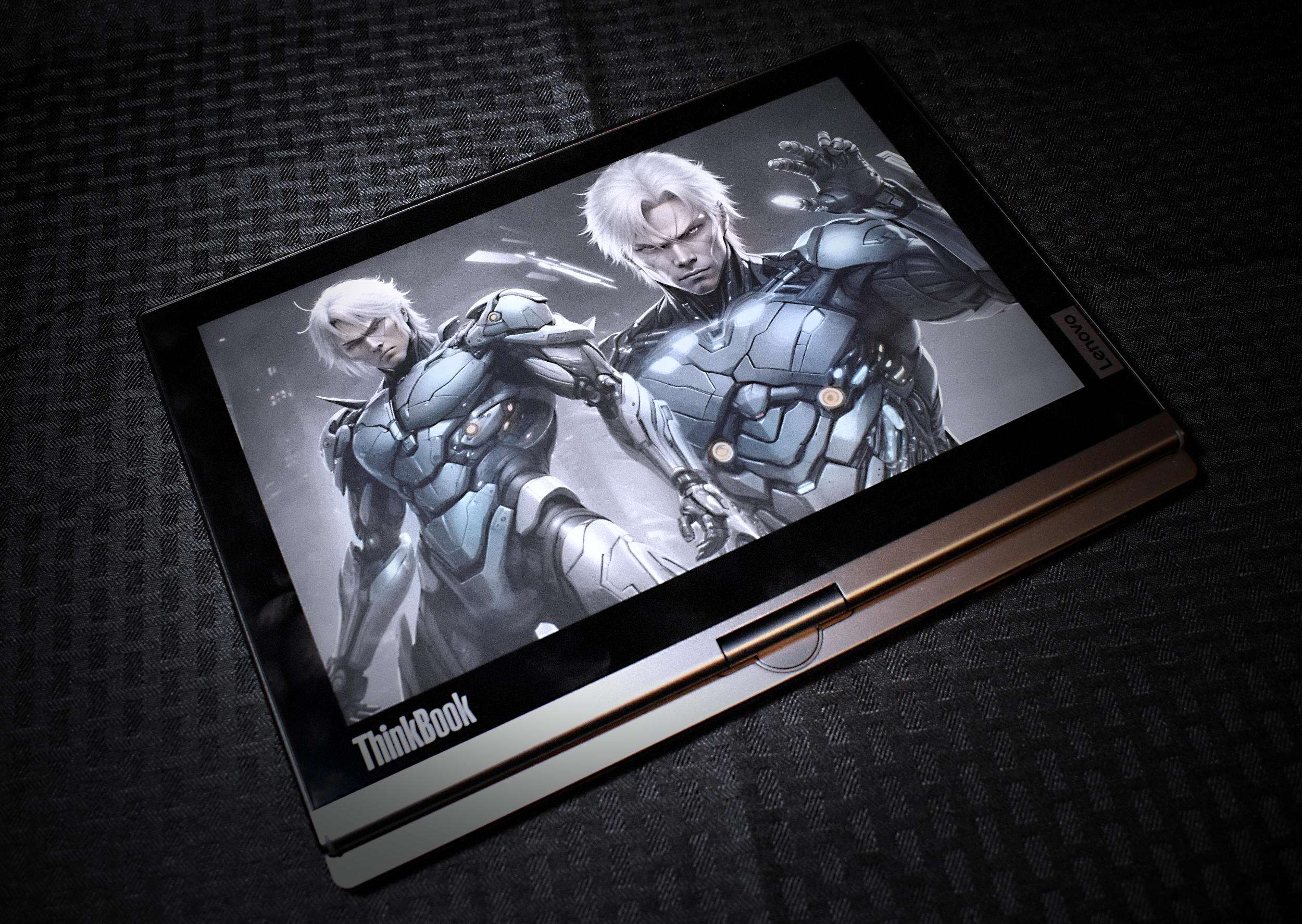
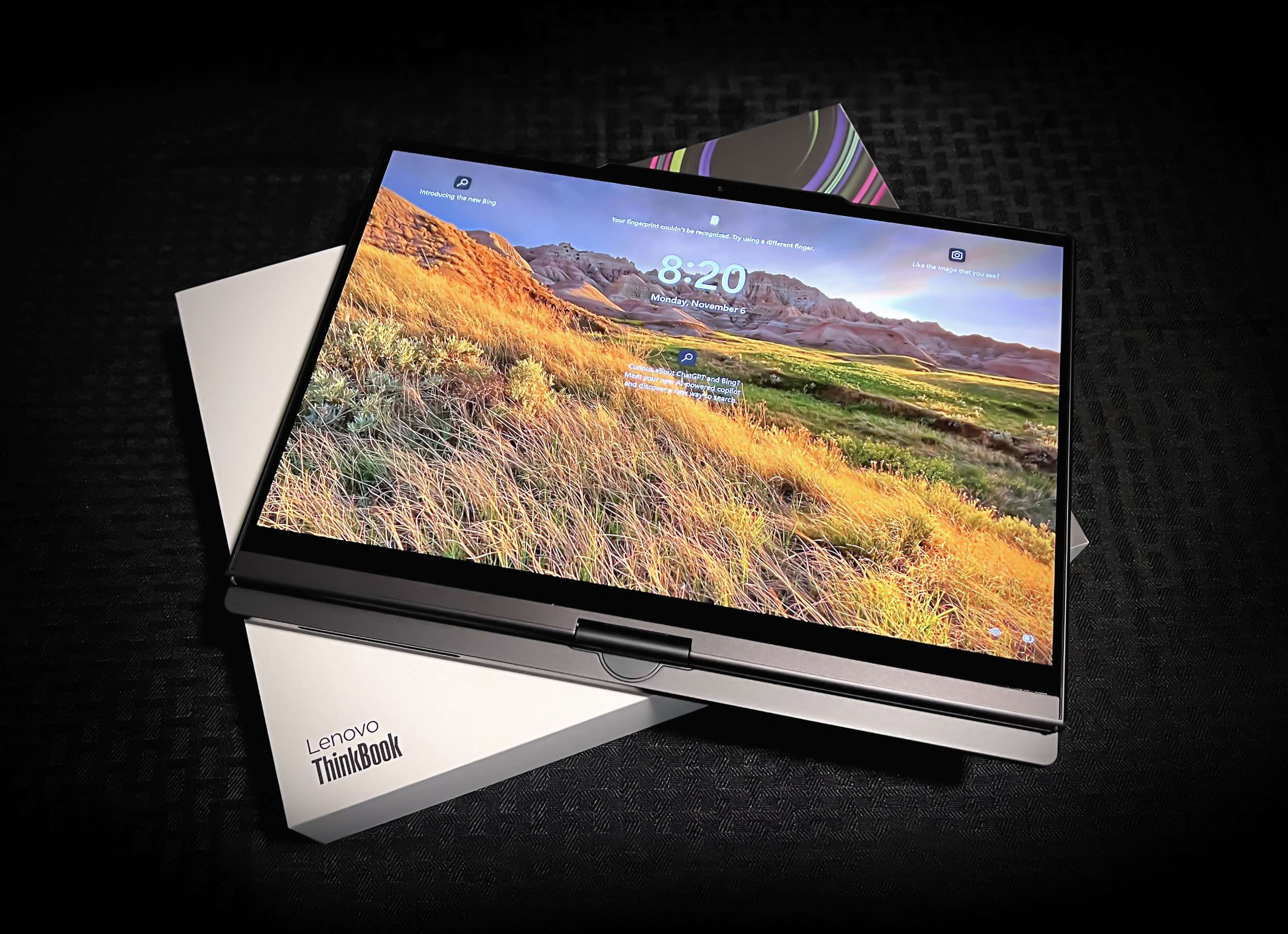
The ThinkBook Plus Gen 4 isn’t just another sleek clamshell on the market, it hides a surprise you won’t notice until you close it. The first time I unboxed it, I assumed the back panel was simply decorative, maybe even a branded sticker. But when I shut the lid, the “back” came alive, prompting me to switch to tablet mode or explore a list of other handy options. That’s when I realized: this wasn’t just a laptop.
That unassuming surface is actually a 12-inch full-color E-Ink touchscreen – what Lenovo calls the E-Ink Cover Display. Far from being a static e-reader-style panel, it’s a responsive, multitasking powerhouse that adds a whole new dimension to how you work. With an anti-glare coating to cut reflections, an anti-reflective layer to minimize light scatter, and an anti-fingerprint finish to keep things looking clean, it’s built for real-world use.
And yes, both displays are fully touch-enabled. That means whether you’re navigating the main OLED screen or working from the E-Ink panel, interaction feels intuitive and fluid. The secondary display, in particular, opens up fresh possibilities – quickly jotting notes, managing schedules, or reviewing documents without even opening the laptop. It’s the kind of feature that turns heads not just for novelty, but for genuine productivity gains.
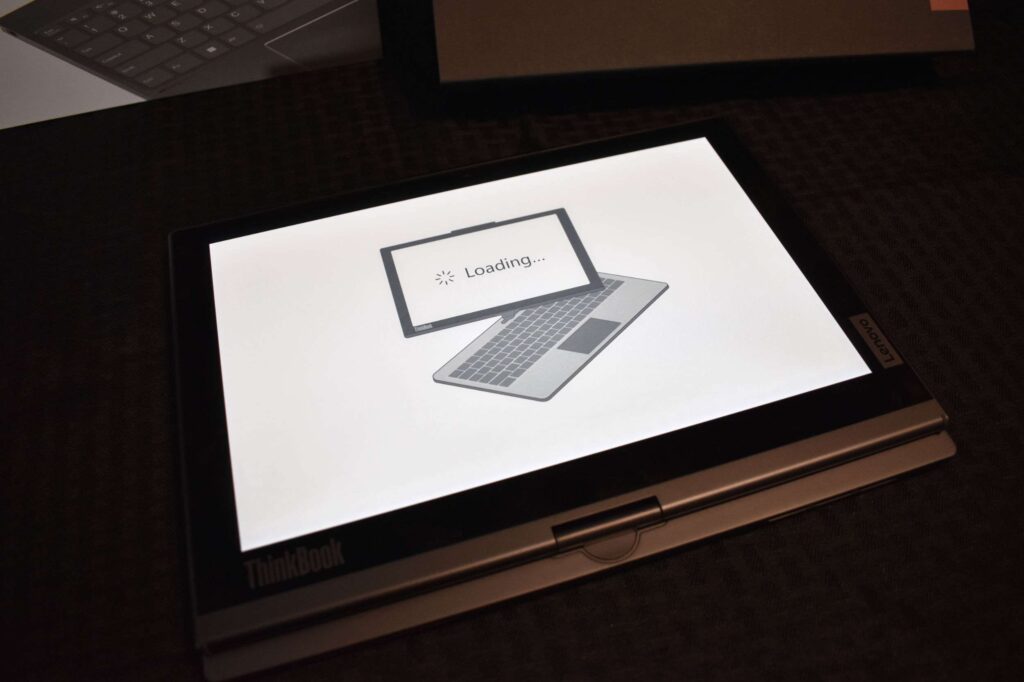
Picture this: you’re glancing at your emails, calendar, or task list without even lifting the laptop lid. That’s the convenience the ThinkBook Plus Gen 4’s secondary display delivers. It’s more than just a glance-and-go screen, it’s a productivity booster for quick lookups, jotting notes, or sketching ideas. With a quick flip, it transforms into tablet mode, doubling as an E-Paper display for smooth, distraction-free reading and writing. Whether you’re powering through work or unwinding after hours, this extra screen slips naturally into your daily flow.
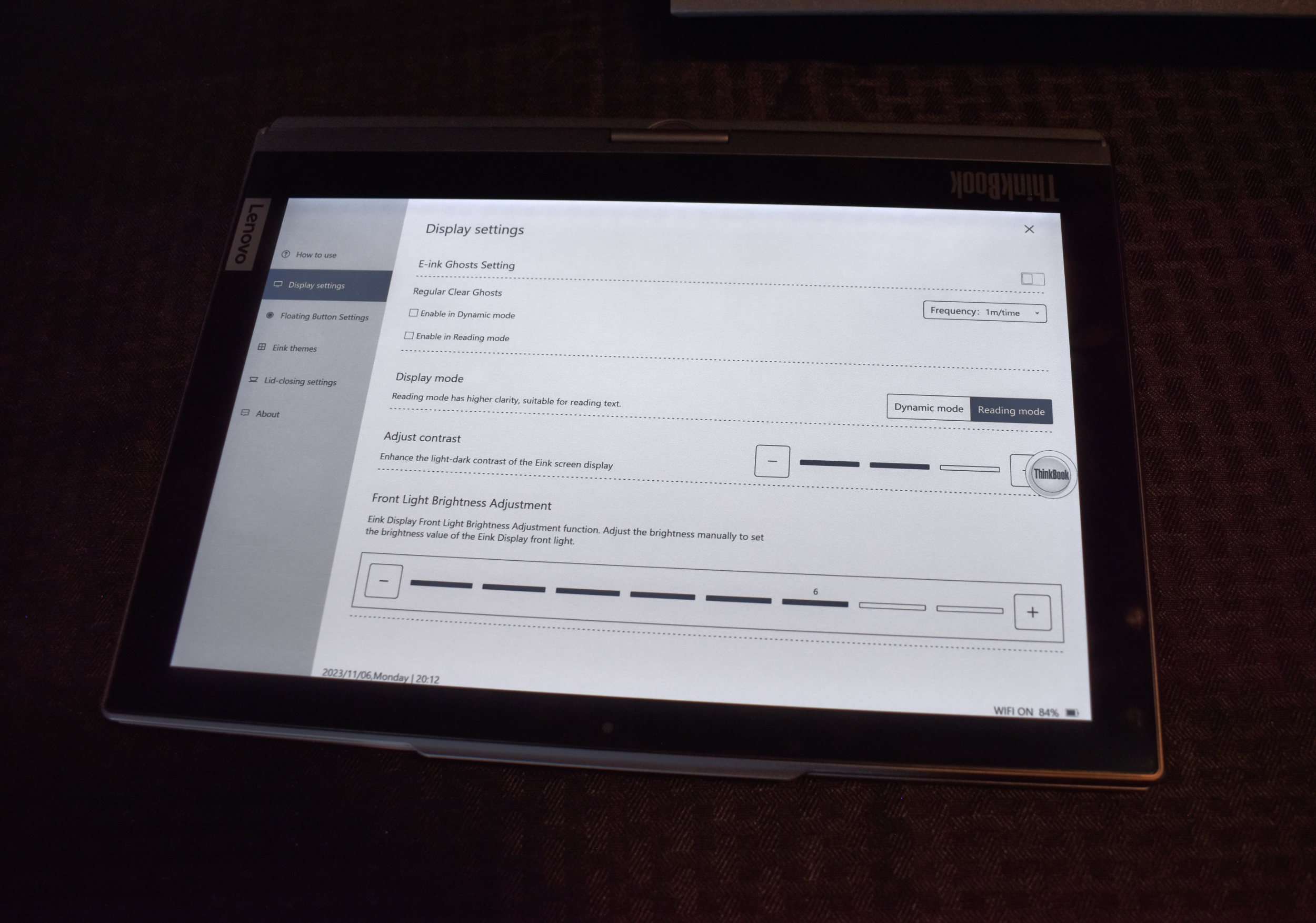
The color E-Ink panel is sharp yet gentle on the eyes, mimicking the texture of real paper for a comfortable reading experience. It doubles as an e-reader, letting you dive into books, articles, or reports without the strain of a traditional display. This two-screen arrangement gives the ThinkBook Plus Gen 4 a distinct edge – offering flexibility, functionality, and a touch of creativity that few laptops can match.

Design that Demands Attention:
From the moment you see it, the ThinkBook Plus Gen 4 makes its presence known. Lenovo has created a machine that blends functionality with style in a way few laptops manage. Sleek, slim, and strikingly modern, it offers far more than its compact frame suggests. While the dual-screen setup is the obvious showstopper, the overall design leaves just as strong an impression. An ultra-slim aluminum chassis, precision diamond-cut edges, and a discreet Lenovo logo give it an understated elegance that works in any environment – be it a high-stakes boardroom, a cozy café, or your home office.
The build quality feels equally premium. The sturdy hinge opens with satisfying smoothness, while the secondary E Ink display deploys effortlessly, ready for use without a hint of fragility. Every detail seems deliberate, from the tactile feel of the materials to the balance of weight and portability. The ThinkBook Plus Gen 4 doesn’t just perform – it dresses for the occasion.
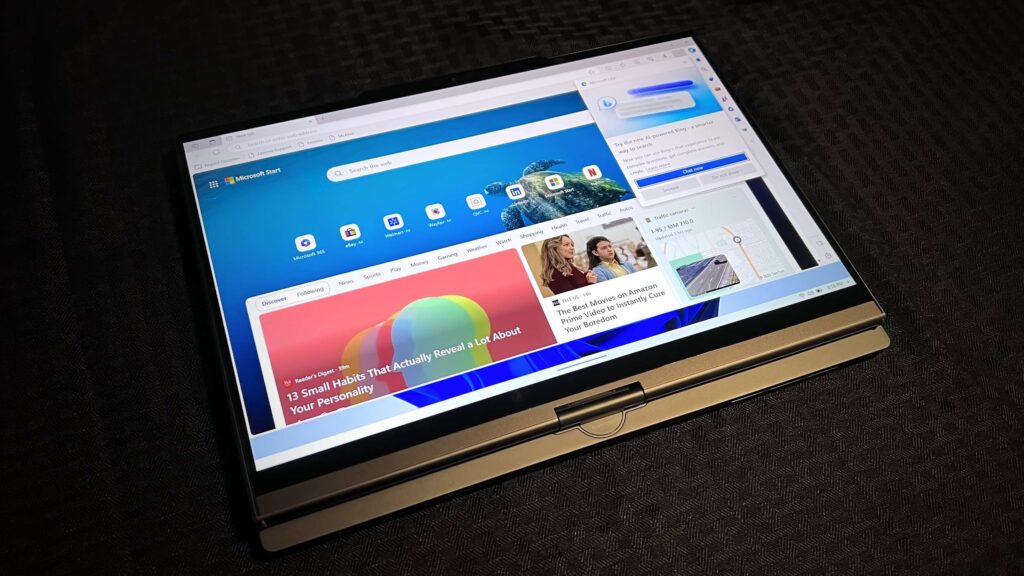
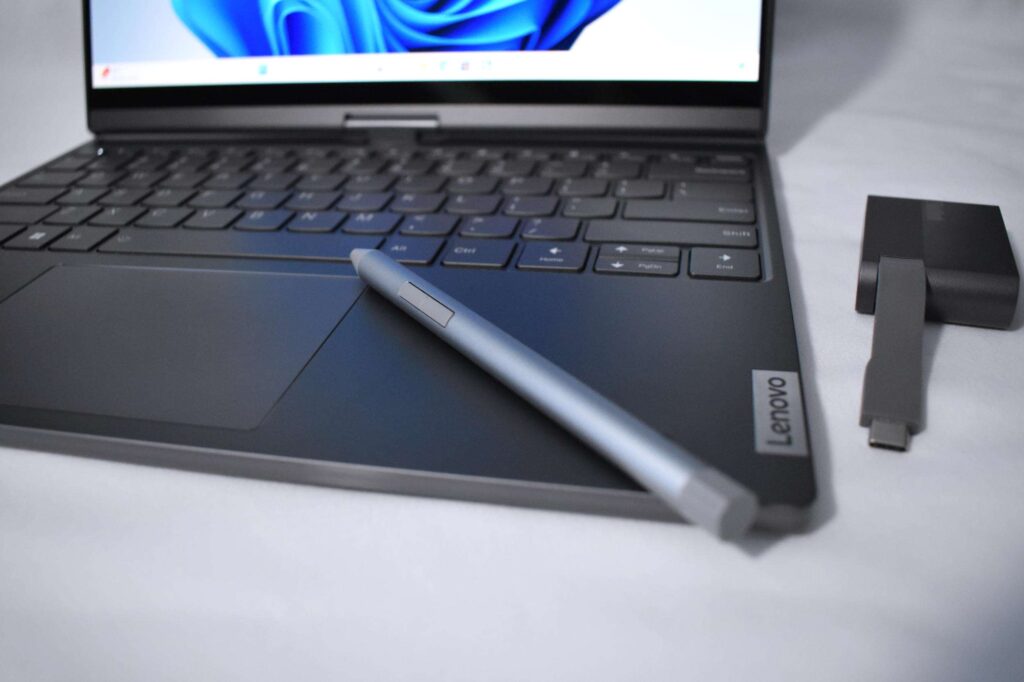
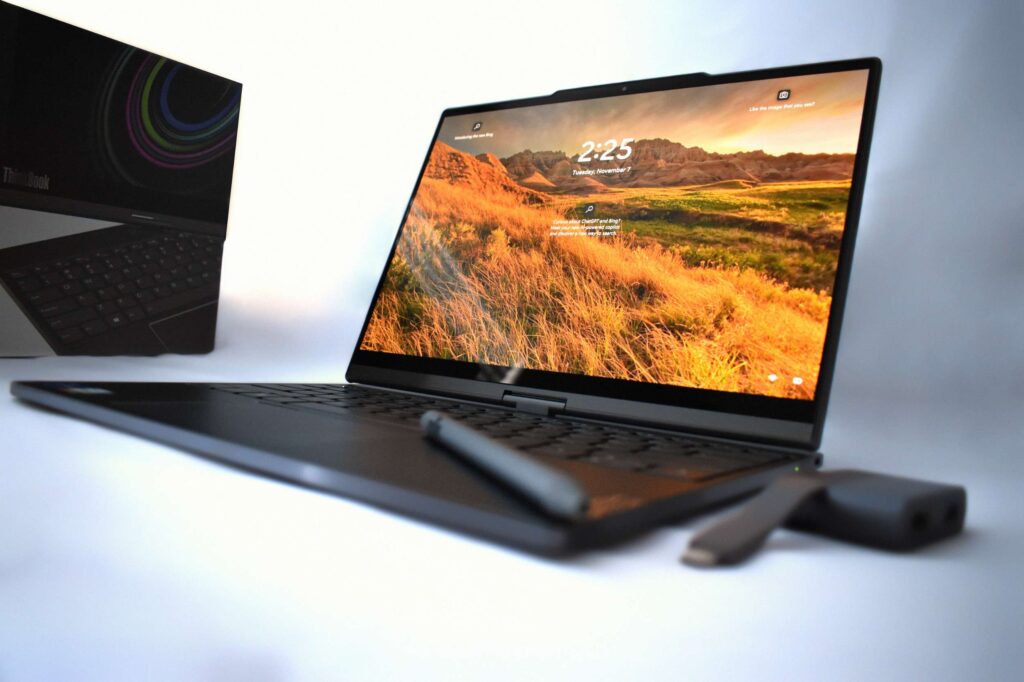
Lift the lid, and the sophistication instantly makes itself known. At the center is a stunning 13.3-inch OLED display that bursts with vibrant colors and razor-sharp detail, ideal for everything from spreadsheets to streaming and digital design. Slim bezels frame the screen, adding a sleek, modern feel while maximizing usable space. Beneath it, the backlit keyboard offers a comfortable, tactile typing experience perfect for long work sessions, paired with a trackpad that feels precise and responsive. Despite its dual-screen 2-in-1 design, this business laptop remains impressively lightweight, slipping easily into a bag for life on the go. Whether you’re presenting in a boardroom, relaxing at a café, or working in your backyard, the ThinkBook Plus Gen 4 blends style, portability, and performance in a way that feels effortlessly premium.
Connectivity and Performance:
The Lenovo ThinkBook Plus Gen 4 isn’t just about turning heads with its dual-screen design—it backs that style with substance. Beneath the sleek exterior lies Intel’s latest 13th Gen Core i7-1355U processor, delivering smooth and responsive performance across everyday and professional workloads. Whether you’re crunching numbers in a massive spreadsheet, editing high-resolution photos, designing a website, or hammering out chapters of your next novel, this laptop handles it all without breaking a sweat. Multitasking is fluid, with minimal lag or slowdown.
That said, heavy-duty performance is reserved for the stunning 13.3-inch OLED display. The secondary color E-Ink touchscreen is best suited for reading, reviewing notes, or handling low-motion tasks – its real strength lies in complementing the main display rather than replacing it. With up to 16GB of RAM and speedy SSD storage (up to 512GB), the ThinkBook Plus Gen 4 launches apps in seconds, boots quickly, and provides ample space for files, projects, and software. From content creation to data analysis, it’s well-equipped for a wide range of workflows.
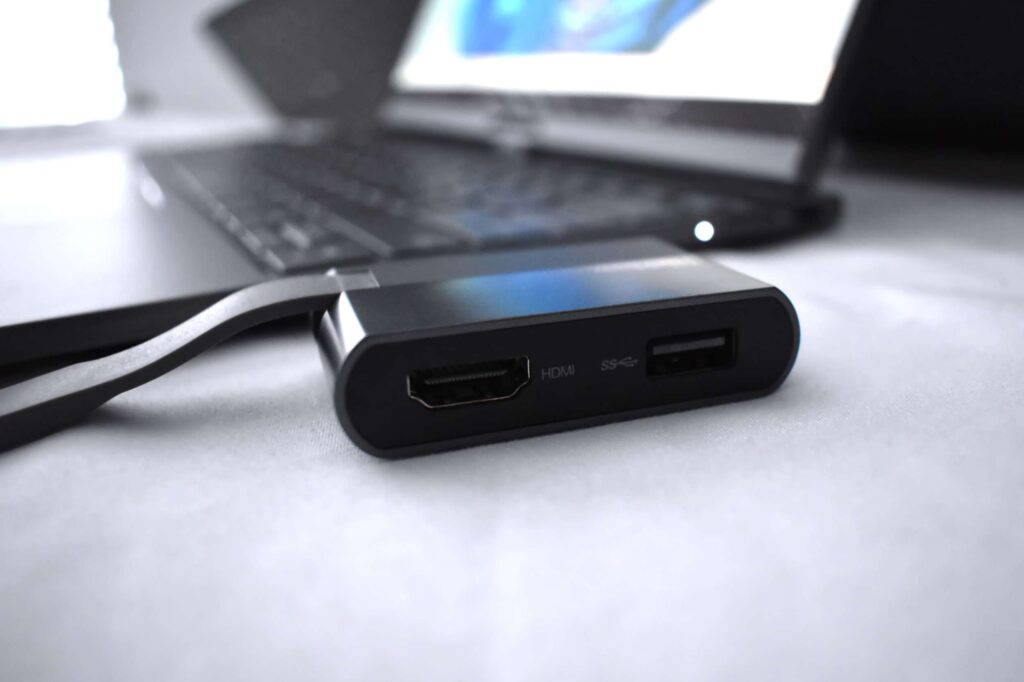
Connectivity is equally well thought out. The laptop comes with two USB-C/Thunderbolt 4 ports and a headphone jack, and Lenovo includes a compact adapter in the box that adds a USB 3.2 port and HDMI output, handy for presentations or plugging in peripherals. Wireless needs are covered by Wi-Fi 6 for fast, stable connections, and optional 4G/LTE ensures you can stay online when Wi-Fi isn’t available.
Battery life is another strong point. On a full charge, the ThinkBook Plus Gen 4 can power through an entire workday, making it a reliable choice for professionals and students who spend more time moving than sitting near an outlet.
Pros:
- Dual-Screen Advantage – A vibrant 13.3-inch OLED touchscreen for your primary work, paired with a color E-Ink display for reading, annotating, and quick tasks.
- Premium Aesthetics – Sleek, modern, and built for those who want performance without sacrificing style.
- Strong Everyday Performance – 13th Gen Intel Core i7 processor, generous RAM, and fast storage keep workflows smooth and efficient.
Cons:
- High Price Tag – Innovation and premium build quality don’t come cheap, and the ThinkBook Plus Gen 4 is no exception.
- E-Ink Learning Curve – While unique and versatile, the secondary display takes some time to fully integrate into your workflow.
In Conclusion:
The Lenovo ThinkBook Plus Gen 4 stands out as a bold blend of style, performance, and innovation. Its defining feature – a secondary color e-ink touchscreen, adds a unique twist that boosts productivity in ways traditional laptops can’t match, whether for note-taking, reading, or multitasking. Housed in a sleek, modern chassis, it offers solid day-to-day performance, a versatile selection of ports (plus an included adapter), and an unmistakably premium feel. That said, the high price and learning curve for mastering the e-ink display may give some users pause, and those needing top-tier graphics performance might find it lacking.
For professionals, students, and creatives seeking a laptop that breaks from the ordinary, the ThinkBook Plus Gen 4 delivers an experience that merges work and style into one forward-thinking package. Currently available for $1,519.50 (regularly $3,039.00) from Lenovo and authorized retailers, it’s more than just a tool, it’s a statement piece built for those who want their tech to do more and look good doing it.
