
Featured image by Robert Stokoe via Pexels.
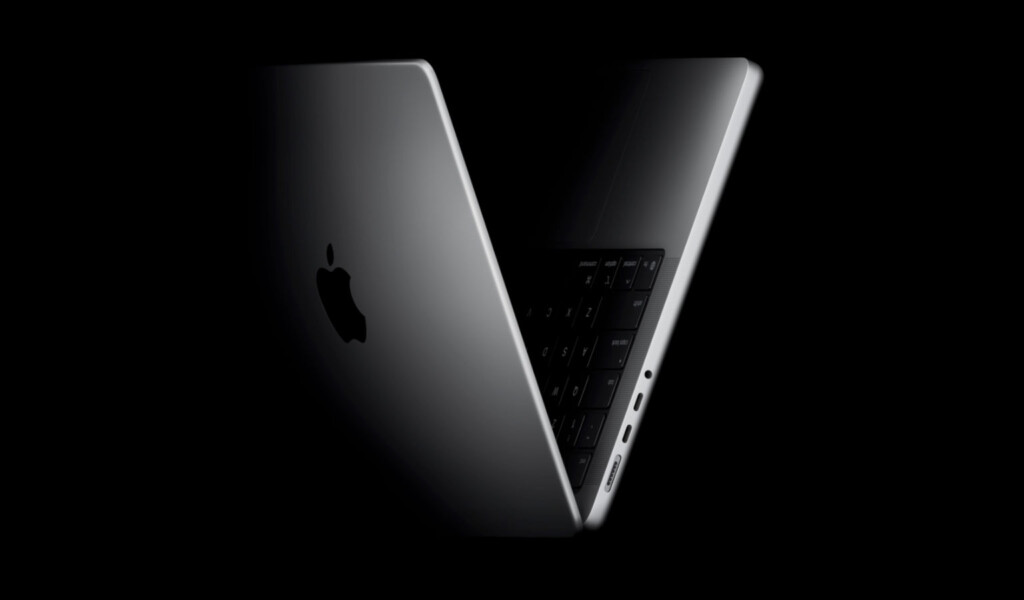
Apple’s 16-inch MacBook Pro has long been the go-to choice for creators and professionals who demand serious power in a portable package. The latest iteration, powered by the new M5 Max chip, continues that tradition with impressive speed and efficiency. But instead of a complete redesign, Apple has opted to refine the winning formula, focusing on chip advancements and subtle improvements.
What’s New in the Latest MacBook Pro?
Since the M-series processor revolution began in 2021, the MacBook Pro line has seen incremental upgrades rather than radical changes. The 2026 model keeps the familiar design that users appreciate but supercharges performance with the M5 Max chip. Here’s a quick rundown of what’s new:
- M5 Max Chip: The star upgrade, boasting enhanced CPU and GPU cores, delivering faster processing and better energy efficiency.
- Improved Thermal Management: Better cooling systems to sustain peak performance during heavy workloads.
- Battery Life: Slightly improved battery longevity despite the increased power, thanks to chip efficiency.
- Display and Audio: Minor tweaks to the Liquid Retina XDR display and speaker system, maintaining industry-leading quality.
- Connectivity: Continued support for multiple ports and Thunderbolt 4, ensuring compatibility with a broad range of peripherals.
Performance: Still a Beast for Creators
The M5 Max chip builds on the M1 and M2 lineage, pushing performance boundaries further. Whether you’re video editing, 3D rendering, or running complex simulations, this MacBook Pro holds its own and then some. Early benchmarks and real-world tests highlight:
- Significant gains in multi-core CPU performance, handling multitasking and demanding apps with ease.
- GPU improvements that speed up rendering times and improve graphics-intensive workflows.
- Efficient power consumption that extends battery life without compromising speed.
For entrepreneurs, side-hustlers, or anyone juggling creative projects alongside other tasks, this means less waiting and more doing.
Design and Usability: If It Ain’t Broke, Don’t Fix It
Apple’s decision to stick with the established design for now seems wise. The 16-inch MacBook Pro’s chassis remains sleek and sturdy, with a comfortable keyboard, ample ports, and a gorgeous display that professionals depend on. Some users might have hoped for a redesign, but the refinements focus on real-world usability:
- Improved thermal architecture keeps the laptop cooler during intensive work sessions.
- Brighter and more color-accurate screen enhances creative precision.
- Quiet fans that don’t distract during meetings or focused work.
This balance of familiarity and subtle improvement helps maintain a dependable user experience without unnecessary changes.
Who Should Consider the New MacBook Pro?
If you’re running on an older MacBook Pro or a less powerful machine and your workflow includes:
- Video editing in 4K or higher resolutions
- Music production with multiple tracks and plugins
- Software development with heavy compiling tasks
- Graphic design or 3D modeling
The new MacBook Pro with M5 Max is a solid investment. However, if your needs are basic—web browsing, writing, streaming—the previous models or even the MacBook Air might be more cost-effective.
Final Thoughts: Small Tweaks, Big Impact
Apple’s latest MacBook Pro doesn’t reinvent the wheel, but it doesn’t need to. The M5 Max chip brings meaningful performance gains, and the subtle hardware updates enhance an already impressive machine. For creators and tech enthusiasts who value reliability and speed, the 16-inch MacBook Pro remains a top contender in 2026.
FAQ
Is the M5 Max chip a major upgrade over the M1 Max?
Yes, the M5 Max offers improved CPU and GPU cores, better efficiency, and enhanced thermal management, making it noticeably faster for demanding tasks.
Does the new MacBook Pro have a different design?
No, Apple has kept the same design with minor refinements focused on cooling and display quality.
Is it worth upgrading from the M1 or M2 MacBook Pro?
If you require more power for professional workloads, the upgrade is worthwhile. For everyday use, the older models remain very capable.
How is the battery life on the new MacBook Pro?
Battery life is slightly improved thanks to the efficient M5 Max chip, offering longer use even during intense work sessions.
This article may include practical opinions, tool suggestions, and product references. Always verify pricing, features, and availability before making decisions.
