
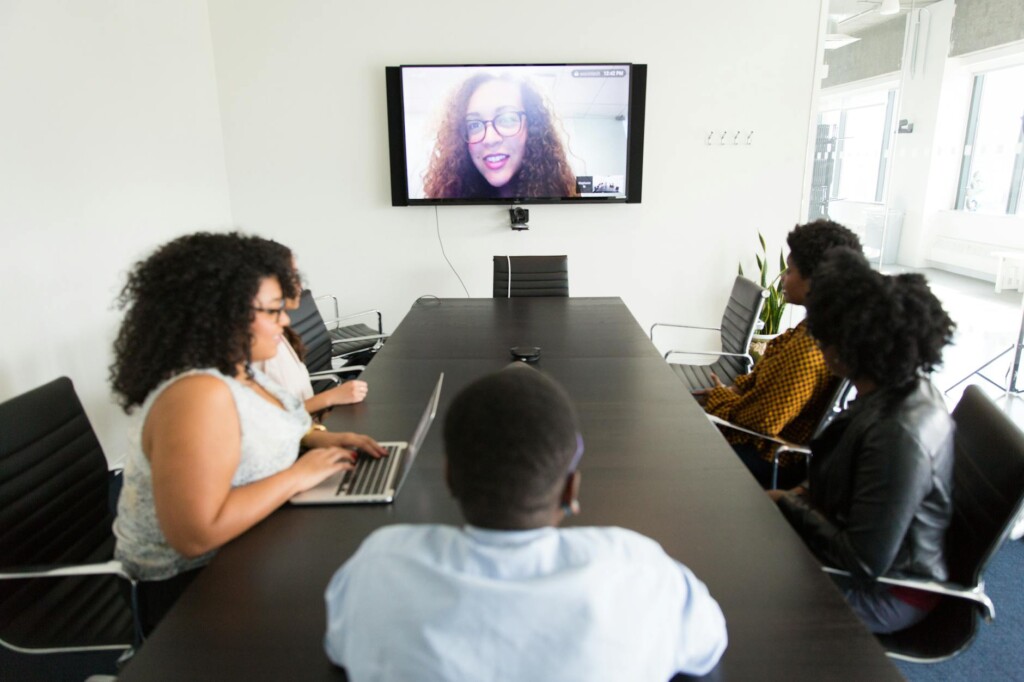
Featured image by Christina Morillo via Pexels.
Microsoft Teams’ Together Mode was a standout feature during the pandemic, offering a fresh way to connect with colleagues by placing everyone in a virtual shared space. Now, as the world adjusts to new work habits, Microsoft has decided to retire this feature in favor of a more streamlined Teams experience. Let’s explore what this means for your meetings and what alternatives you might consider.
What Was Together Mode?
Together Mode launched in 2020 as a creative solution to the fatigue and disengagement many experienced in remote meetings. Using AI segmentation, Teams placed participants in a shared virtual environment — like a conference room or auditorium — making it feel as if everyone was sitting side-by-side, even if they were miles apart.
The idea was simple but effective: by removing video call grid views and replacing them with a unified scene, it fostered a greater sense of connection and reduced the cognitive load of interpreting multiple separate video feeds.
Why Is Microsoft Retiring Together Mode?
As remote work evolves, so do the tools we use. Microsoft’s decision to retire Together Mode stems from a desire to simplify the Teams experience and focus on features that support a wider variety of meeting styles and workflows. According to The Verge, the feature will be phased out in favor of an interface that is easier to maintain and scale across devices and meeting types.
Some factors influencing this move include:
- Changing Meeting Needs: As in-person and hybrid meetings resume, the need for a virtual conference room illusion has diminished.
- Resource Allocation: Maintaining AI-powered modes requires significant development and computing resources that Microsoft may want to redirect.
- User Feedback: While popular, Together Mode was not universally used, and some found it gimmicky or distracting over time.
What Are the Implications for Users?
If you’re a regular user of Together Mode, you’ll want to prepare for its retirement by considering how you conduct meetings. Here are a few points to keep in mind:
- Transition Period: Microsoft will provide a timeline for phasing out Together Mode, so you have time to adjust.
- Focus on Core Features: Teams will continue enhancing core meeting features like screen sharing, breakout rooms, and live reactions.
- Alternative Engagement Tools: Explore other ways to boost engagement, such as polls, chat, and video backgrounds.
For entrepreneurs and side-hustlers frequently using Teams for client calls or team check-ins, this shift encourages adopting more straightforward, reliable communication methods rather than relying on novelty effects.
What Are Some Alternatives to Together Mode?
If you enjoyed the immersive feel of Together Mode, consider these options to keep your meetings engaging:
- Dynamic View: Microsoft Teams’ Dynamic View automatically adjusts and optimizes shared content and participant video layouts for better focus.
- Custom Backgrounds: Personalize your video feed with custom backgrounds that add professionalism or fun without distraction.
- Other Platforms’ Features: Platforms like Zoom and Google Meet offer immersive view or grid customization that may satisfy similar needs.
- Third-Party Apps: Integration with apps like Miro or MURAL can add interactive elements to your meetings, fostering collaboration beyond video layouts.
To stay ahead in remote collaboration, it’s wise to regularly explore new tools and features. Check out our Software section for reviews and guides on the latest productivity apps and collaboration tools.
How to Prepare for the Change
Here’s a quick checklist to help you navigate the transition away from Together Mode:
- Review your current meeting setups and identify where Together Mode is used.
- Inform your team or clients about the upcoming change to avoid surprises.
- Experiment with Teams’ other features like Dynamic View and breakout rooms to find what works best.
- Stay updated with Microsoft’s official announcements and support documentation.
- Consider feedback from your meeting participants to tailor the experience.
Retiring features is part of software evolution. While Together Mode brought a unique flair, the ultimate goal remains improving communication ease and effectiveness.
Conclusion
Microsoft’s decision to retire Teams’ Together Mode signals a shift towards simplicity and versatility in virtual meetings. While it may be disappointing for fans of the immersive shared space, the change encourages users to focus on core collaboration tools that drive productivity and engagement. Whether you’re an entrepreneur, a side-hustler, or just tech-curious, adapting to these changes will help you maintain effective digital communication.
For more insights on digital trends and practical tech advice, explore Focus9X’s latest articles and stay ahead of the curve.
FAQ
What exactly was Together Mode in Microsoft Teams?
Together Mode was a feature that placed video call participants in a shared virtual background, like a conference room, to simulate being in the same space.
When will Microsoft Teams retire Together Mode?
Microsoft announced the retirement in May 2026. The exact timeline for phasing it out will be communicated through official Microsoft channels.
Will Teams offer a replacement feature for Together Mode?
There is no direct replacement, but Teams is enhancing other meeting features like Dynamic View and breakout rooms to improve user experience.
How can I keep my meetings engaging without Together Mode?
Use features like custom backgrounds, polls, breakout rooms, and integrate collaboration apps to maintain interactive and engaging meetings.
This article may include practical opinions, tool suggestions, and product references. Always verify pricing, features, and availability before making decisions.
