
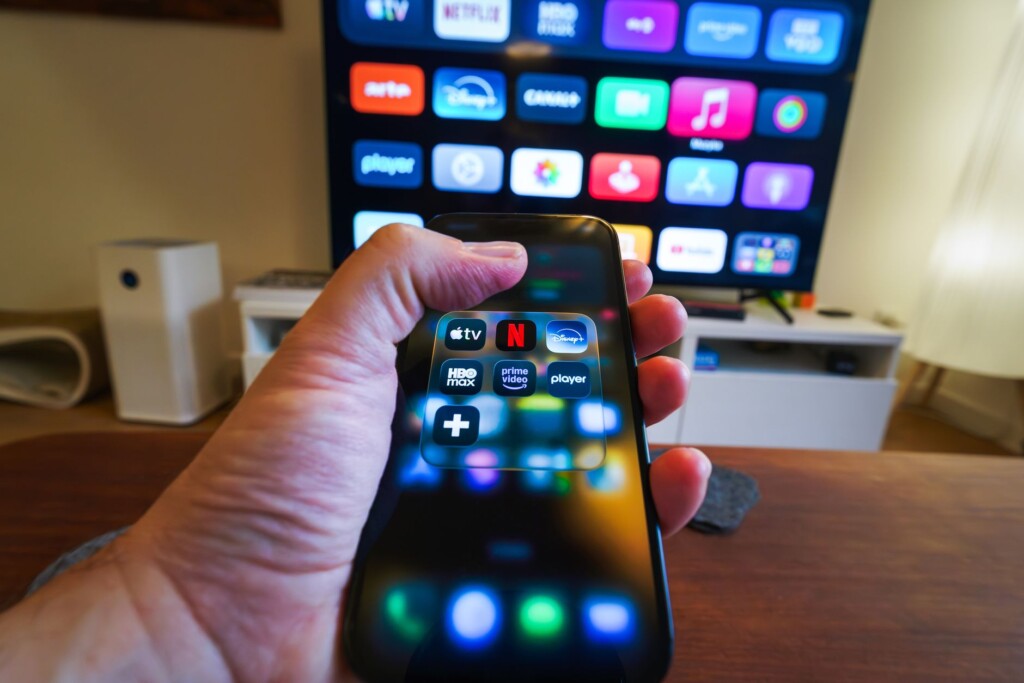
Featured image by Jakub Zerdzicki via Pexels.
Instagram has taken a big step beyond the smartphone screen, bringing its popular short video format, Reels, to your living room through Apple TV. This new app aims to transform how we consume Instagram’s video content, making it easier and more enjoyable to watch on a larger display. If you’re curious about what this means for your viewing habits or how to get started, here’s a practical overview.
Instagram for TV: Expanding the Viewing Experience
Instagram first tested a version of its app tailored for TV screens last December, focusing primarily on Reels, live streams, and other video-centric content. By June, the platform rolled out a series of new features to enhance this experience, culminating in the recent official launch of Instagram for Apple TV.
This move aligns with broader trends of social media platforms seeking to establish a foothold in living rooms, traditionally dominated by streaming services like Netflix, Disney+, and YouTube. Watching short, engaging video clips on a big screen can be a refreshing change, especially for those who spend a lot of time on Instagram already.
What You Can Expect From Instagram on Apple TV
The app is designed to showcase Instagram’s video formats, primarily:
- Reels: Instagram’s answer to TikTok, these are short, entertaining videos that cover everything from funny clips to tutorials and trends.
- Live Streams: Watch live broadcasts from creators and friends in a more immersive setting.
- Video Content: Longer videos and stories adapted for your TV screen.
The interface is optimized for remote navigation, making it simple to browse through your feed, search for content, and engage with videos. However, keep in mind that some interactive features available on mobile, like posting or commenting, may be limited or absent.
How to Get Started With Instagram on Your Apple TV
Getting Instagram on your Apple TV is straightforward. Here’s how you can set it up:
- Check Compatibility: Make sure your Apple TV is updated to the latest tvOS version.
- Download the App: Open the App Store on your Apple TV and search for Instagram.
- Sign In: Use your Instagram credentials to log in securely.
- Explore Content: Start browsing Reels, live streams, and other videos right away.
For those unfamiliar with the Apple TV interface, it supports voice search with Siri, which can help you find specific creators or types of content faster.
Why This Matters for Entrepreneurs and Side-Hustlers
If you use Instagram as part of your marketing strategy or brand building, the Apple TV app offers new angles to engage your audience. Watching content on a TV can inspire fresh ideas for video creation and help you see your work from a different perspective.
Moreover, Instagram for TV could open doors to new advertising formats and collaborations as brands experiment with reaching viewers in their living rooms. Staying informed about these trends is essential for anyone leveraging social media for business.
What Are the Limitations?
While Instagram for Apple TV is a promising addition, there are some limitations to be aware of:
- Interactivity: The app focuses on consumption, so you won’t have full posting or commenting capabilities.
- Content Variety: The experience is video-centric. Static posts and stories may not be as accessible.
- Privacy and Security: Logging in on a shared TV means being mindful of account access.
For more detailed updates and hands-on tips, you can check out The Verge’s coverage.
Looking Ahead: Instagram’s Role in Living Room Entertainment
Instagram’s move into streaming devices like Apple TV reflects a larger trend where social media is becoming part of everyday home entertainment. This shift encourages platforms to rethink content formats for different screens, blending social interaction with traditional video consumption.
For users, it means more flexibility in how and where you engage with your favorite creators. For businesses and creators, it signals the need to optimize content not just for phones but also for TVs and other devices.
If you want to explore more digital trends or find tools to enhance your social media presence, visit Focus9X for expert insights and reviews.
FAQ
Can I post videos directly from the Instagram Apple TV app?
No, the Apple TV app is designed primarily for viewing content. Posting and interactive features are limited or unavailable.
Is Instagram for Apple TV free?
Yes, the Instagram app for Apple TV is free to download from the App Store.
Do I need an Instagram account to use the Apple TV app?
Yes, you must log in with your Instagram credentials to access personalized content.
Can I watch Instagram Stories on Apple TV?
The focus is mainly on Reels and live streams; traditional Stories may have limited availability.
This article may include practical opinions, tool suggestions, and product references. Always verify pricing, features, and availability before making decisions.
