
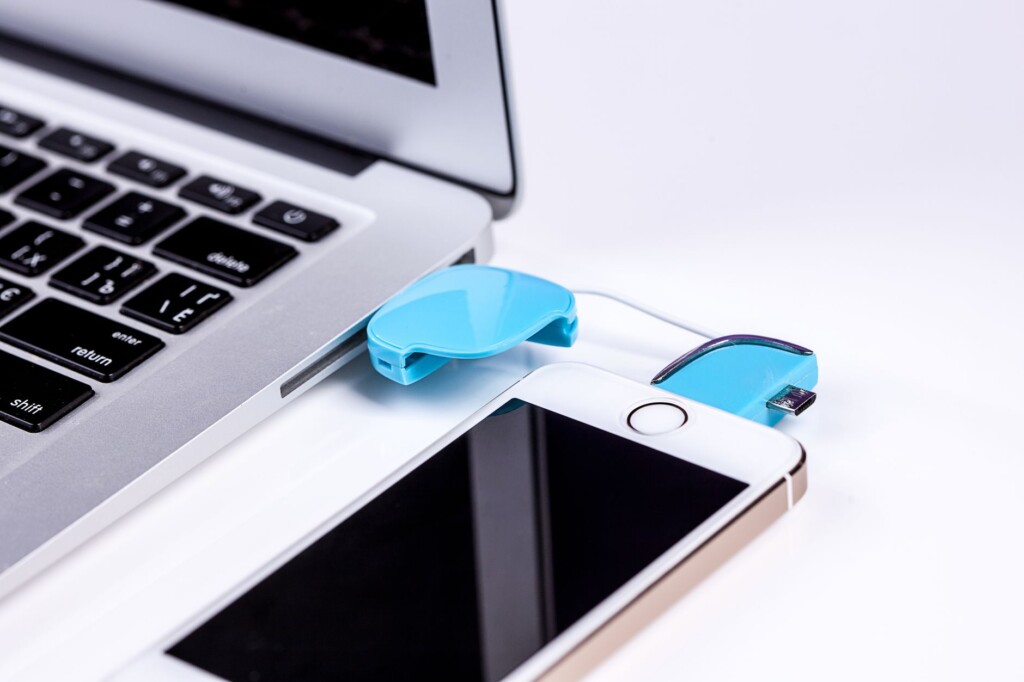
Featured image by Pixabay via Pexels.
Switching from an iPhone to an Android device has long been a hassle for many users due to the complexity of transferring data seamlessly. Google is addressing this pain point with a new feature that allows wireless transfer of more data types directly from an iPhone to an Android phone, eliminating the need to download additional apps. This update promises to make the switch more accessible and less frustrating.
What’s New in Google’s Switching Process?
Traditionally, moving from iPhone to Android required either connecting devices via cables or downloading separate apps like Google’s “Switch to Android” app. These methods often came with limitations on what data could be transferred wirelessly and involved some technical steps that intimidated casual users.
According to a TechCrunch report, Google’s new feature enables users to transfer more data types wirelessly without needing to install an app on the iPhone. This includes contacts, photos, videos, calendar events, and even messages. The transfer is designed to be straightforward and secure, using a direct wireless connection between the two devices.
Why This Matters
For many users, the prospect of switching smartphone platforms is daunting because of concerns over losing important data or spending hours setting up a new device. By streamlining the process, Google lowers the barrier for iPhone users considering Android phones, potentially increasing Android’s market share.
This feature is particularly helpful for entrepreneurs, side-hustlers, and tech-curious individuals who frequently evaluate or switch devices to optimize their workflows. The reduced friction also benefits those upgrading devices or helping family and friends transition to Android.
How the Wireless Transfer Works
The wireless transfer process is designed to be intuitive:
- Start Setup: When you power on a new Android device, it will offer the option to transfer data from an iPhone.
- Wireless Connection: Instead of requiring a cable, the devices establish a direct wireless connection, likely through Wi-Fi Direct or Bluetooth.
- Data Selection: You can choose which data types to transfer, including contacts, photos, videos, calendar entries, and messages.
- Seamless Transfer: The data moves securely to the Android phone without needing a third-party app on the iPhone.
- Finish Setup: Once the transfer completes, you can continue setting up your Android device with your existing data intact.
This method removes the extra step of downloading an app on the iPhone, which can sometimes be a hurdle for less technical users or those with limited storage space.
What Data Can You Transfer?
The update extends beyond the usual contacts and photos. Confirmed transferable data types include:
- Contacts
- Photos and videos
- Calendar events
- SMS messages
- Potentially some app-related data (though this may vary depending on app compatibility)
It’s worth noting that certain data types, like iMessages or apps exclusive to iOS, may not transfer due to platform restrictions. However, for the bulk of personal data, this wireless transfer covers the essentials.
What This Means for Android Users and Newcomers
This new wireless feature presents a clear advantage for Android in attracting iPhone users. It simplifies the often tedious migration process and reduces the intimidation factor for switching platforms.
For current Android users, this update might not change daily usage but signals Google’s commitment to making Android more user-friendly and accessible to a broader audience.
If you’re considering making the jump, Google’s improved transfer process makes it worth exploring the latest Android devices. You can also check out our Android device reviews and guides to find the best fit for your needs.
How to Prepare for the Switch
If you’re planning to switch from an iPhone to Android soon, here are some practical tips to ensure a smooth transition:
- Backup Your iPhone: Ensure your data is backed up to iCloud or your computer before beginning the transfer.
- Update Both Devices: Make sure your iPhone and new Android phone are running the latest software versions to maximize compatibility.
- Charge Devices: Have both phones fully charged or plugged in to avoid interruptions during transfer.
- Stable Wi-Fi: While the connection is wireless, a stable Wi-Fi environment can help prevent any connectivity issues.
- Disable iMessage: To avoid missing text messages after switching, turn off iMessage on your iPhone.
For more detailed guidance, Google’s official support pages and TechCrunch’s coverage are good resources to consult before you start.
Limitations and Considerations
While this new wireless transfer feature is a significant step forward, there are some caveats to keep in mind:
- Not all app data will transfer, especially iOS-exclusive apps or games.
- Settings and preferences may need manual adjustment on the new Android device.
- Some users might still prefer a wired transfer for speed and stability.
- The feature’s availability may vary by Android device and manufacturer implementation.
Despite these limitations, the convenience and ease of use generally outweigh the drawbacks for most users.
Conclusion
Google’s latest wireless data transfer feature is a welcome upgrade for anyone considering moving from iPhone to Android. By eliminating the need for extra apps and expanding the types of transferable data, Google is making the switch less troublesome and more inviting. Whether you’re an entrepreneur juggling multiple devices or a tech-curious individual exploring your options, this update helps level the playing field.
To learn more about making the switch and explore the best Android devices, visit our Phones section for reviews and tips.
FAQ
Can I transfer WhatsApp chats using this wireless feature?
Currently, WhatsApp chat transfer typically requires specific procedures and may not be fully supported by this wireless transfer. Check WhatsApp’s official guidelines for the latest options.
Do I need to download any app on my iPhone to use this new transfer method?
No, one of the key improvements is that you no longer need to download a separate app on your iPhone to transfer data wirelessly to Android.
Will my iMessages transfer to Android?
iMessages do not transfer due to platform restrictions. It’s recommended to disable iMessage before switching to avoid missing texts.
Is this feature available on all Android phones?
The wireless transfer feature should be available on most modern Android devices, but availability can vary by manufacturer and Android version.
This article may include practical opinions, tool suggestions, and product references. Always verify pricing, features, and availability before making decisions.
