
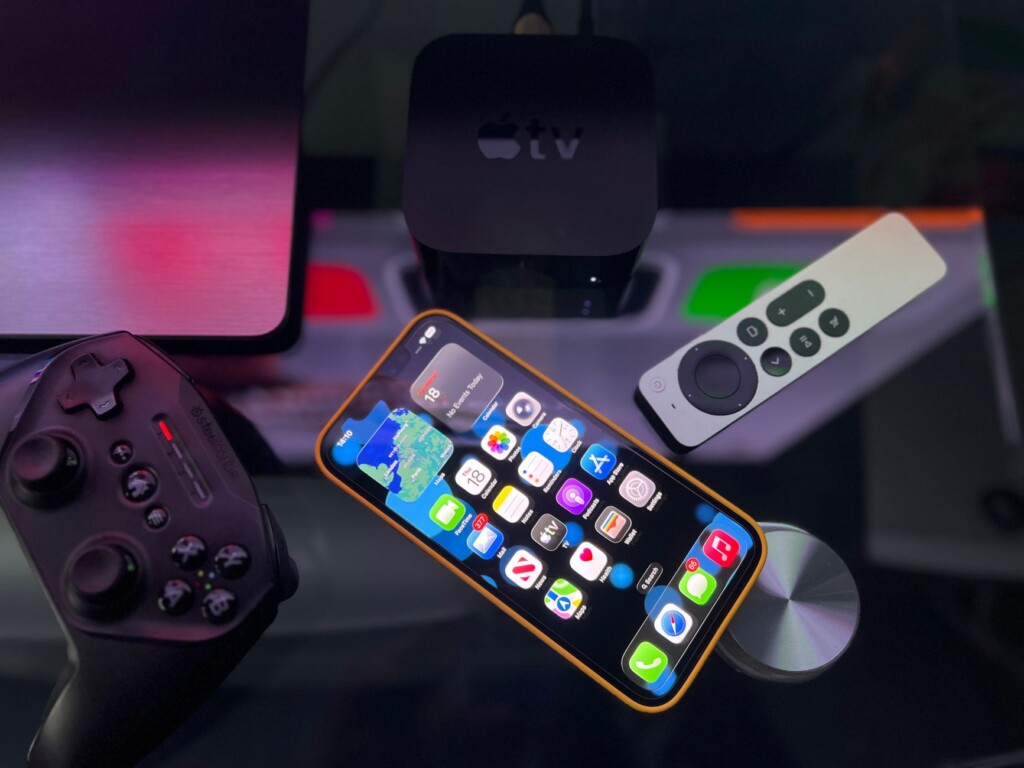
Featured image by Déji Fadahunsi via Pexels.
The launch of the Apple TV 4K promised a premium streaming experience with crisp visuals and seamless access to popular apps. However, early adopters are running into an unexpected roadblock: the YouTube app is not functioning as expected, displaying error messages and a baffling QR code instead of videos. This disruption has caused quite a stir among users eager to dive into their favorite content. Let’s break down what’s happening, why it matters, and what you can do about it.
What’s Going On with YouTube on the New Apple TV 4K?
According to The Verge’s coverage, users who received their Apple TV 4K units reported that opening the YouTube app led to a black screen featuring a QR code and an error message stating, “YouTube is not yet available on this device.” This is confusing since YouTube is a staple app expected to work flawlessly on any streaming platform.
Apple TV 4K, launched with the latest hardware improvements and a new remote design, is aimed at delivering an improved content experience. Yet, the YouTube app — a cornerstone for billions of viewers — is currently unusable for many, signaling a software or compatibility hiccup that neither Apple nor Google has fully addressed publicly at this stage.
Why Is This Happening?
The exact cause remains somewhat unclear, but initial speculation and user reports suggest a few potential reasons:
- App Compatibility: YouTube’s app may need an update to fully support the new Apple TV 4K’s hardware or tvOS version.
- Licensing or Regional Issues: Sometimes, streaming apps face delays in availability due to licensing constraints or regional rollout schedules.
- Technical Glitch: There may be a backend error, server-side issue, or a bug causing the app to fail to initialize properly.
While these are educated guesses, the situation highlights how even the most anticipated devices can encounter unexpected hiccups on launch day.
What Does the QR Code Mean?
The black screen with a QR code seems to be a placeholder or a workaround from YouTube’s or Apple’s side. Scanning the QR code directs users to a mobile site or a support page, but it’s not a long-term fix. It’s essentially a way to acknowledge the problem while guiding users to alternative access points for YouTube content.
How Can You Fix or Work Around This Issue?
If you’ve got your hands on the new Apple TV 4K and want to watch YouTube without the error screen, here are some practical steps you can try:
- Check for Updates: Ensure both your Apple TV’s tvOS and the YouTube app are updated to the latest version. Sometimes, a quick update resolves compatibility issues.
- Restart Your Device: A simple reboot can clear temporary glitches.
- Reinstall YouTube: Delete and reinstall the YouTube app to reset its configuration.
- Use AirPlay: Stream YouTube videos from your iPhone, iPad, or Mac to your Apple TV using AirPlay as a temporary workaround.
- Check Apple and Google Support Channels: Keep an eye on official support pages or forums for announcements or fixes.
If none of these work, patience might be the only option as both Apple and Google likely work behind the scenes on a proper fix.
What Does This Mean for Apple TV Buyers and Streaming Fans?
This hiccup is a reminder that even flagship products can launch with imperfect software conditions. YouTube is essential for many users, and its absence or malfunction can significantly impact the device’s appeal.
For entrepreneurs, side-hustlers, or content creators who rely on Apple TV for presentations or streaming, this is a significant inconvenience. It also raises questions about the coordination between platform owners (Apple) and app developers (Google) to ensure smooth rollouts.
Despite the glitch, the new Apple TV 4K still offers a compelling experience with other apps and features. For those interested in exploring the device’s full capabilities beyond YouTube, you can check out detailed reviews and guides at Focus9X.
Looking Ahead: Will the YouTube App Return Smoothly?
Most likely, yes. Given YouTube’s massive user base and importance in the streaming ecosystem, it’s reasonable to expect a fix or update soon. Apple and Google have a vested interest in resolving this quickly to maintain customer satisfaction.
Meanwhile, keeping your device updated and following official channels will give you the best chance to get back to uninterrupted YouTube viewing as soon as possible.
FAQ
Why is YouTube not working on my new Apple TV 4K?
The issue appears to be a software compatibility problem causing the YouTube app to display an error and a QR code. It’s likely temporary as updates are expected soon.
Can I watch YouTube on Apple TV 4K now?
Directly through the app, many users are facing issues. However, you can use AirPlay from another device to stream YouTube content to your Apple TV.
Should I delay buying the Apple TV 4K because of this?
If YouTube is crucial for your use, you might want to wait until the issue is resolved. Otherwise, the device offers many other features worth exploring now.
Where can I find updates on this problem?
Check official Apple and YouTube support pages, or follow tech news sites like The Verge for the latest developments.
This article may include practical opinions, tool suggestions, and product references. Always verify pricing, features, and availability before making decisions.
