
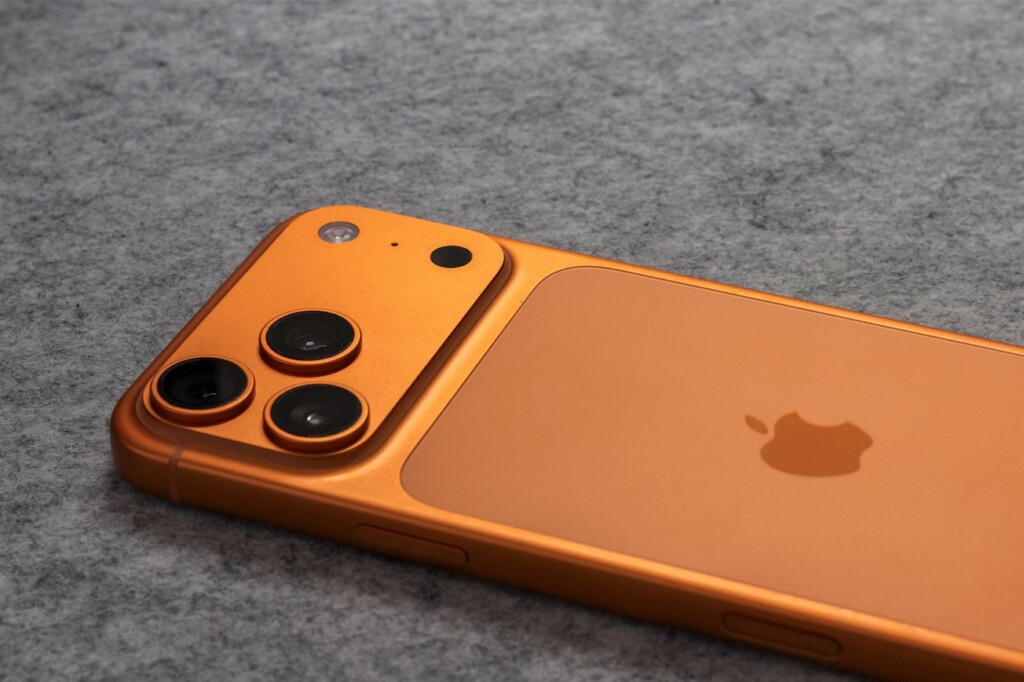
Featured image by thiago japyassu via Pexels.
Apple is once again raising the bar for smartphone photography with its upcoming iOS 27 update. This time, the focus is on integrating artificial intelligence directly into the iPhone Camera and Photos apps. If you’re curious about how AI can simplify capturing and editing photos on your iPhone, here’s a clear look at what’s new and why it matters.
What’s New in the iPhone Camera App with iOS 27?
According to a recent WIRED report, Apple is embedding Siri directly into the Camera app. This means you’ll be able to use voice commands to interact with the camera without needing to leave the app or switch to the Siri interface separately. Imagine telling your iPhone to “take a portrait” or “capture a burst” hands-free, streamlining the photo-taking process especially when your hands are busy.
Alongside Siri integration, the Photos app is getting more AI-powered tools designed to make editing easier and more powerful. These tools analyze your photos to suggest creative edits, adjust lighting more intelligently, and even help with removing unwanted objects or blemishes with fewer taps.
How AI Is Changing the Photography Experience on iPhone
AI is no longer just a buzzword in photography apps — it’s becoming essential for practical improvements. Here’s how Apple’s approach with iOS 27 could change your experience:
- Voice-Activated Controls: Using Siri inside the Camera app allows for hands-free commands, making it easier to capture moments quickly and accurately.
- Smart Suggestions: AI analyzes your photos and offers edits that suit the scene, lighting, and composition, helping you get better results without deep editing skills.
- Automatic Enhancements: Improvements like better noise reduction, enhanced HDR, and optimized color balance are applied intelligently based on AI assessments.
- Object Removal and Touch-Up: AI tools can identify and help remove unwanted objects or imperfections, making cleanup simpler and faster.
Why This Matters for Everyday Users and Creators
Not everyone is a professional photographer, but most people want their photos to look great with minimal effort. Apple’s AI upgrades in iOS 27 aim to deliver that by putting powerful editing and control tools right where you take pictures. This means better photos straight out of the camera app and less time spent fiddling with complex editing apps.
For entrepreneurs and side hustlers who rely on their iPhones for product photos, social media, or content creation, these AI tools can improve productivity and quality. And for tech enthusiasts, it’s an exciting glimpse at how AI and voice technology are becoming more integrated into everyday devices.
Getting Started with the New Features
Once iOS 27 rolls out, here’s how you can make the most of the AI-powered Camera and Photos apps:
- Explore Siri Commands: Experiment with voice commands to control capture modes, timers, and more without touching your phone.
- Use AI Editing Suggestions: Check out the Photos app when it suggests edits—it can save you time and improve your images.
- Try Object Removal: Look for the new cleanup tools to remove distractions or blemishes easily.
- Stay Updated: Keep your iPhone updated to get the latest AI features and improvements as Apple refines them.
Want to dive deeper into how AI is reshaping smartphone photography? You can also explore our AI articles on Focus9X for more insights and tools that can boost your digital creativity.
What to Watch Out For
While Apple’s AI upgrades sound promising, it’s worth noting that some features might initially feel experimental or limited to newer iPhone models. As with any AI-powered tool, results can vary depending on lighting, subject, and other factors. Also, Siri’s voice control in the camera app might take some getting used to, especially in noisy environments.
Still, these upgrades mark a clear step forward in making photography smarter and more accessible on the iPhone.
Where to Learn More and Stay Updated
For the latest on iOS 27 and Apple’s AI innovations, keep an eye on trusted tech news sites like WIRED. And if you want to experiment with AI photo editing tools right now, check out some popular apps and software that leverage AI to enhance images, available on the Focus9X software reviews section.
FAQ
Will the AI camera features in iOS 27 work on older iPhones?
Some features may be limited to newer models due to hardware requirements, but Apple typically supports a wide range of devices. Check Apple’s official compatibility list when iOS 27 launches.
Can I use Siri voice commands hands-free while taking photos?
Yes, the integration aims to let you control the camera using voice commands without touching your phone, though performance may vary in noisy environments.
Are the AI photo editing tools automatic or manual?
They offer both automatic suggestions and manual controls, so you can choose to apply edits yourself or let AI handle enhancements.
When will iOS 27 be available to the public?
Apple usually releases new iOS versions in the fall. Keep an eye on official announcements for exact dates.
This article may include practical opinions, tool suggestions, and product references. Always verify pricing, features, and availability before making decisions.
