
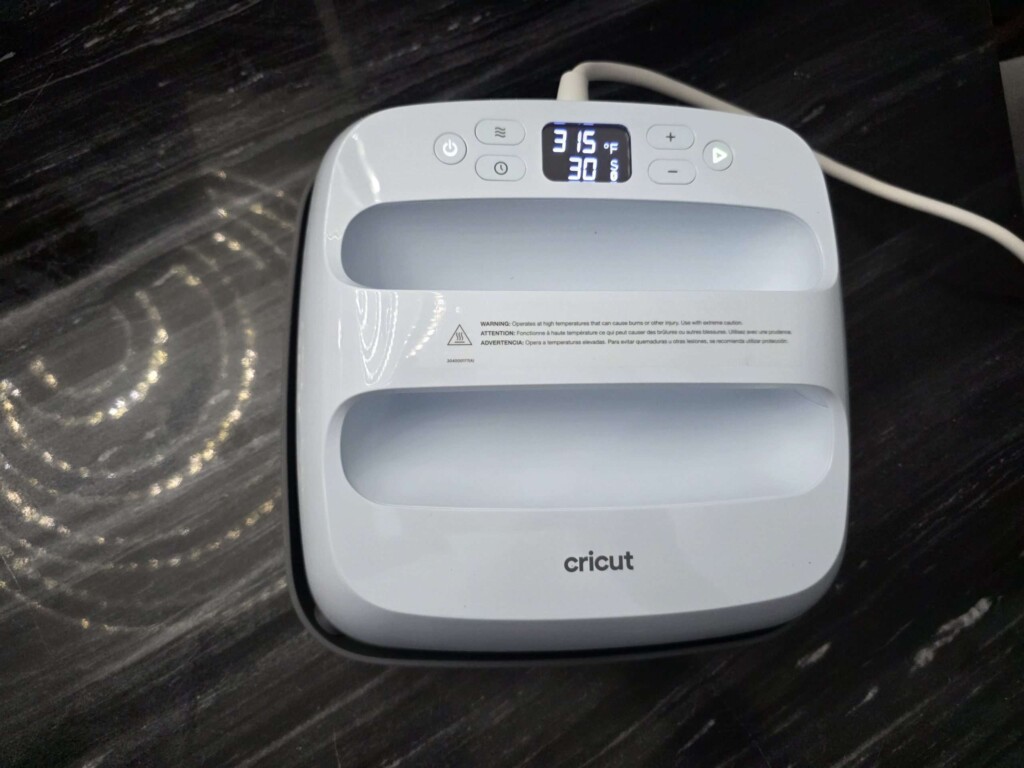
As a fan of DIY projects and creative design, I know how important the right tools are for bringing ideas to life. When I first tried the Cricut EasyPress 3, I wasn’t just testing it out—I was genuinely optimistic. I’ve worked with other heat presses before, and while they were functional, they often came across as either overly complicated or too limited. After spending a few weeks creating with the EasyPress 3, I’m ready to give you my honest and detailed review.
Unboxing & First Look
The Cricut EasyPress 3 comes neatly packed in a compact, stylish box that’s easy to handle. My first impression was how clean and modern it looked. The unit is lightweight, well-designed, and everything inside was organized for quick setup. The included guide was clear and easy to follow, giving me the sense that Cricut designed this model with simplicity and user-friendliness in mind. Its mint-blue and white color scheme gives it a sleek, polished finish that blends perfectly with the rest of my Cricut tools.
Connectivity & Setup: Impressively Easy
One of the standout features of the EasyPress 3 apart is its built-in Bluetooth connection – a feature I hadn’t seen in the more traditional, fully manual heat presses I’ve used before. Getting started was a breeze. I simply downloaded the Cricut Heat app, paired the press with my phone, and followed the on-screen steps. The app practically acted like a guide, walking me through my first project. This smart integration is what really makes the EasyPress 3 stand out. You just select your materials, for example, glitter iron-on with a cotton shirt, and the app automatically adjusts the press to the perfect temperature and time. No trial and error needed, which spared me from ruining a few projects.
Design and Ease of Use
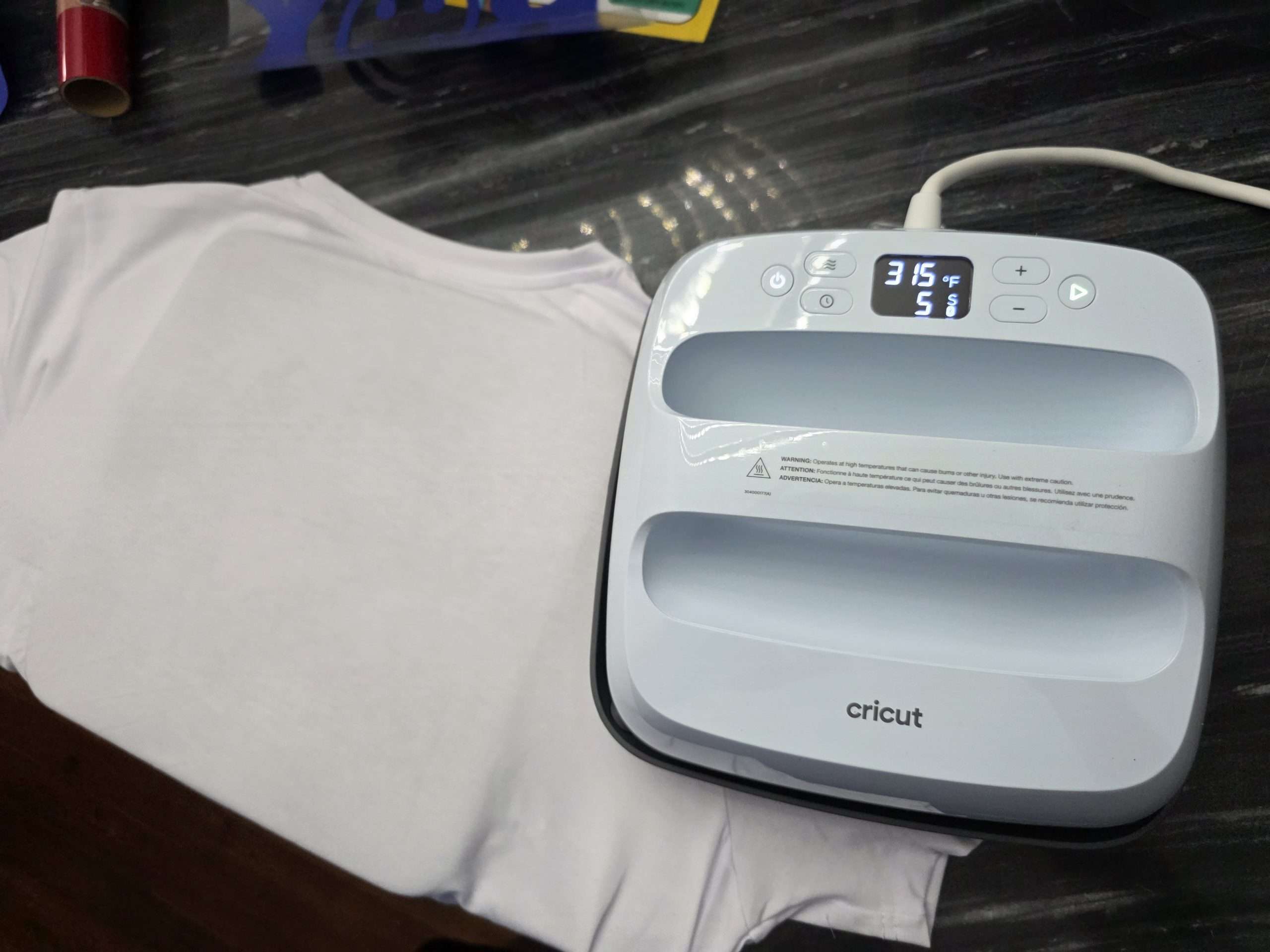
The EasyPress 3 sits nicely between a standard heat press and a handheld iron. Its handle is roomy and easy to grip, while the base distributes weight evenly, making it simple to apply consistent pressure. I found it especially useful for items like T-shirts, tote bags, and other small projects. Unlike clunky clamshell presses, this one doesn’t take up much room – you can tuck it onto a shelf and pull it out when needed, making it perfect for compact studios or shared spaces.
Heating and Precision
In terms of heat, the EasyPress 3 really delivers. It warms up fast – usually in just 2-3 minutes depending on the temperature setting, and the plate maintains an even distribution across the surface. I tested it with multiple materials, from iron-on vinyl to infusible ink, and the transfers always came out sharp, vibrant, and firmly bonded. The built-in timer automatically kicks in when you apply pressure, then signals with a beep when it’s finished, removing any guesswork. You can still tweak the settings yourself, but I found the app presets accurate and reliable every time.
Real-World Projects: Shirts, Bags, and More
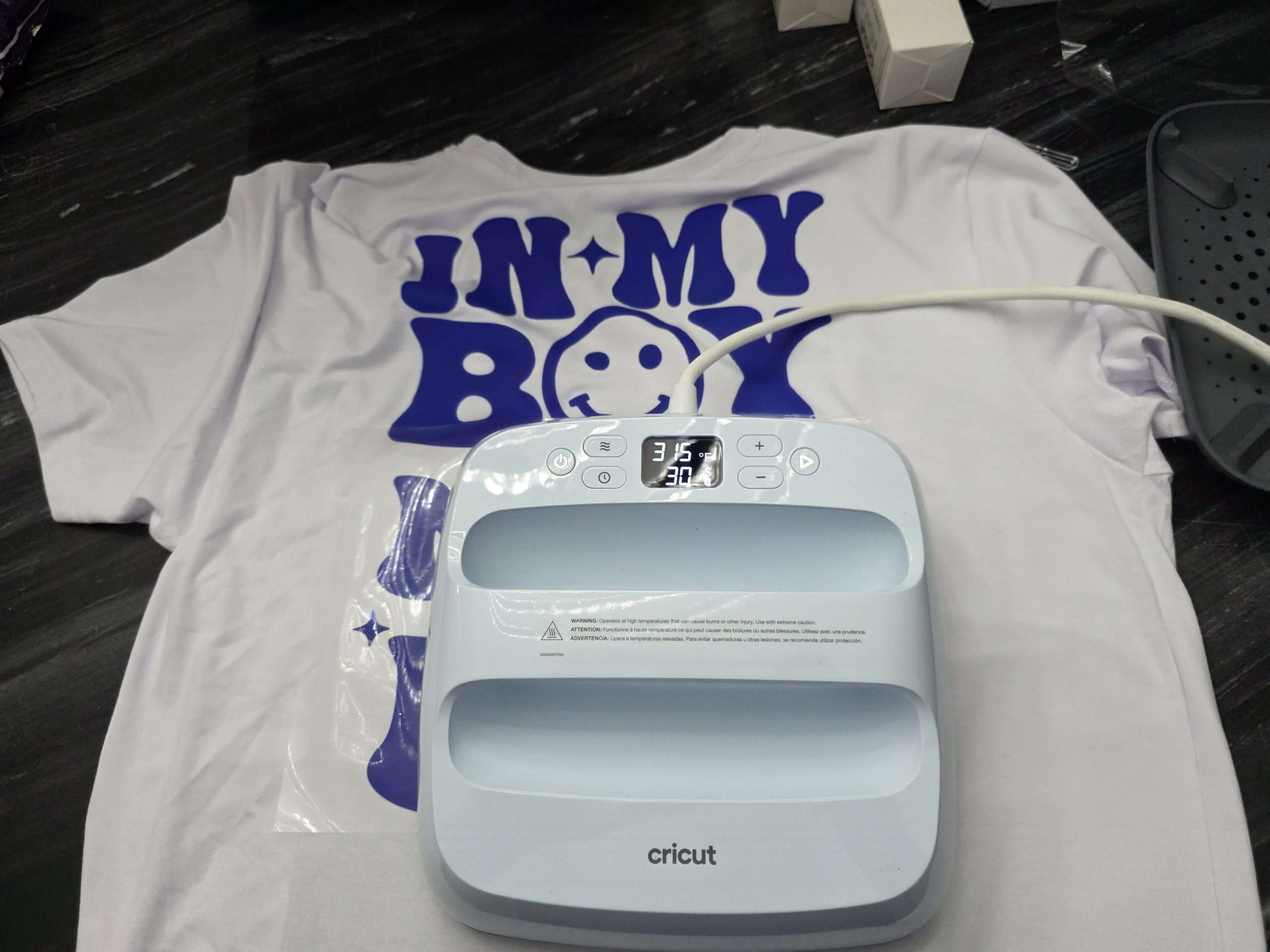
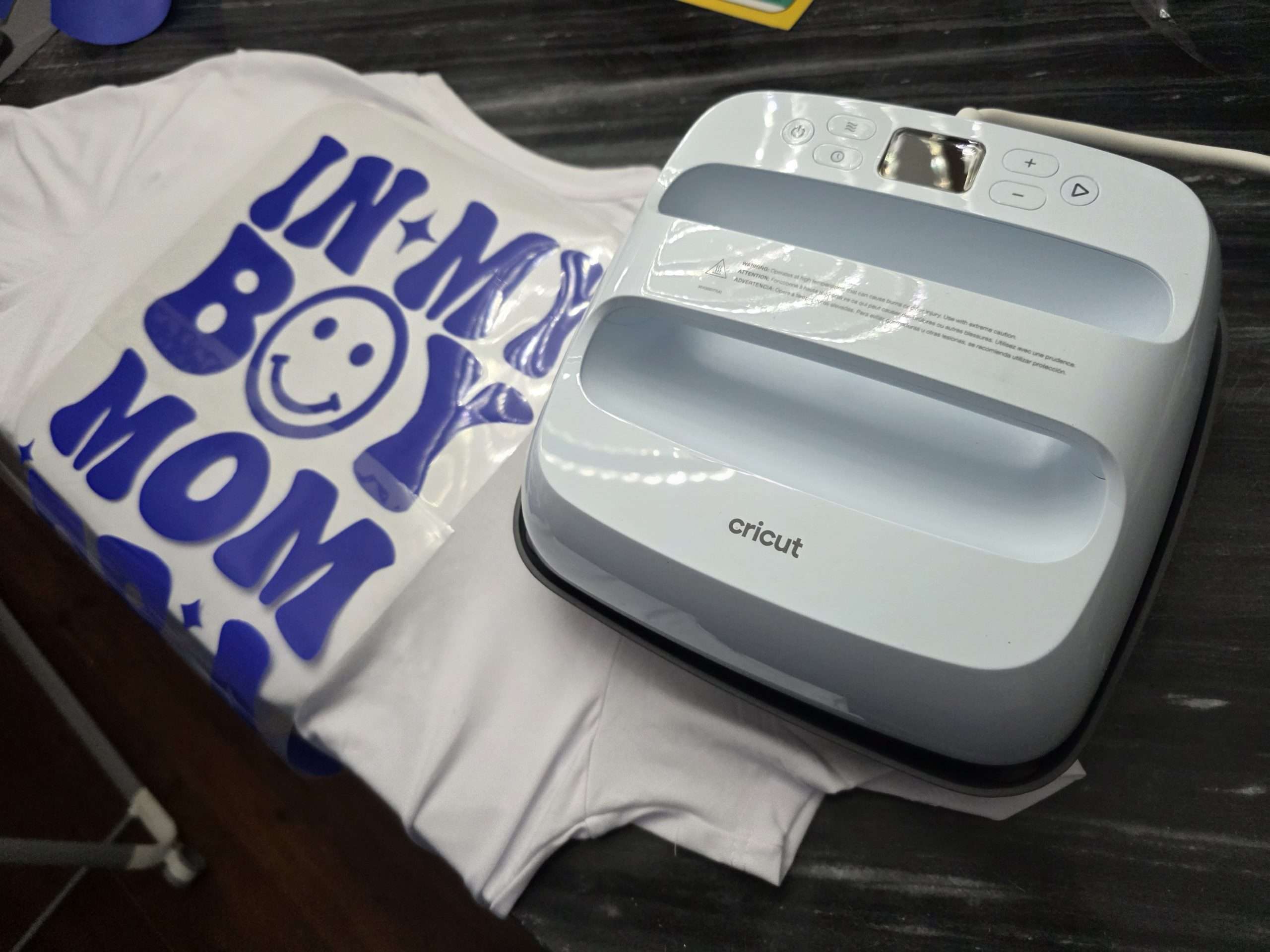
I’ve already used it on cotton tees, canvas totes, and even wooden signs, and every project turned out smooth with no burns or lifting edges. The EasyPress 3 produces a polished, professional look that’s tough to achieve with a standard iron, especially on intricate or layered designs. What stood out most to me is how approachable it is for beginners – the companion app practically walks you through the process step by step. Yet for seasoned users, it still provides enough flexibility to adjust and fine-tune as needed.
Storage and Portability
The EasyPress 3 is lightweight enough to carry in one hand, and its safety base allows you to set it down on any heat-safe surface without worry. That portability makes it simple to take along to craft fairs, classes, or even a friend’s house for a group project. When it’s not in use, it hardly takes up room, I just tuck mine into a storage cube in my craft area until I’m ready to use it again. Compared with bulky, traditional heat presses that usually need a dedicated table, this feels refreshingly compact and convenient.
App Integration: A Look at the Cricut Heat App
The Cricut Heat app plays such an important role that it’s worth a closer look. Beyond simply connecting to the EasyPress 3, it gives you access to complete material settings, clear step-by-step guidance, and helpful tips for every type of transfer project. It feels like having both a heat press and a digital assistant in one. The app also stays current with updates whenever Cricut releases new materials, which came in handy when I tried out their latest Smart Iron-On. I especially appreciated being able to set up the press through the app while simultaneously working on designs in Design Space on my computer.
Pros:
- Connects via Bluetooth to the Cricut Heat app
- Lightweight and compact
- Heats up quickly and evenly
- Works for a variety of projects
- Easy to set up, great for beginners
- Comes with a safety base
Cons:
- Cricut Heat app is required
Final Thoughts
The Cricut EasyPress 3 is an excellent option for anyone looking for a smart, portable, and beginner-friendly heat transfer tool. It’s perfect for casual crafters as well as small shop owners creating custom shirts or gifts. What sets it apart is the consistency, user-friendliness, and tech-driven features. While it won’t take the place of an industrial press for large-scale production, it’s more than capable for personal use and small business projects. I’ve already recommended it to fellow crafters and would gladly do so again. You can pickup one right now for a sale price of $239.99. If you’re looking for something simple yet powerful that gives you confidence in your creations, the EasyPress 3 is a solid pick.
