
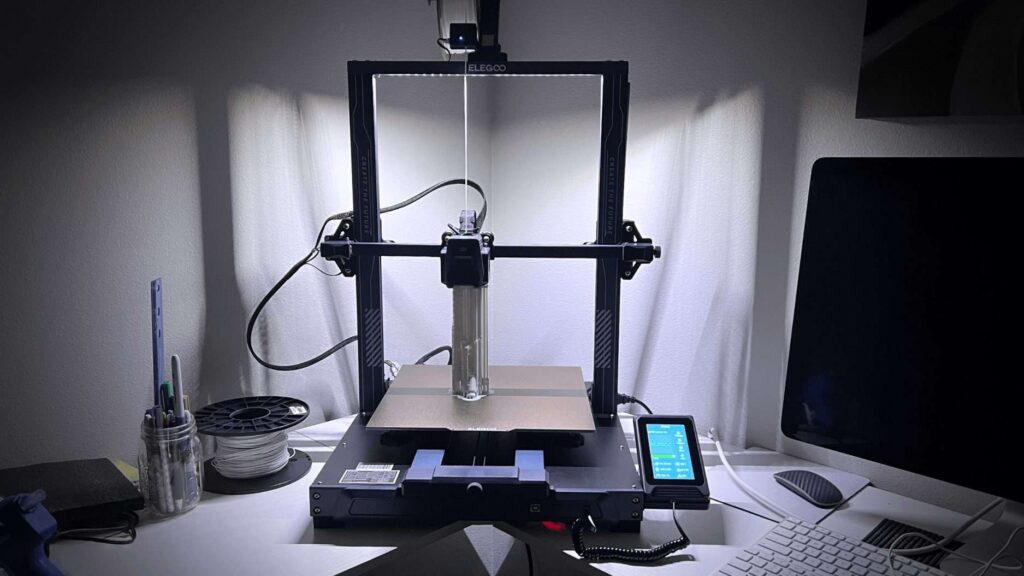
3D printing has made remarkable strides in recent years, and the Elegoo Neptune 3 PLUS is a perfect example of that progress. This dependable, easy-to-use printer caters to both newcomers and seasoned makers who want to produce top-quality prints without breaking the bank. In this review, we’ll explore the Neptune 3 PLUS’s features and performance to help you decide if it’s the right fit for your 3D printing needs.
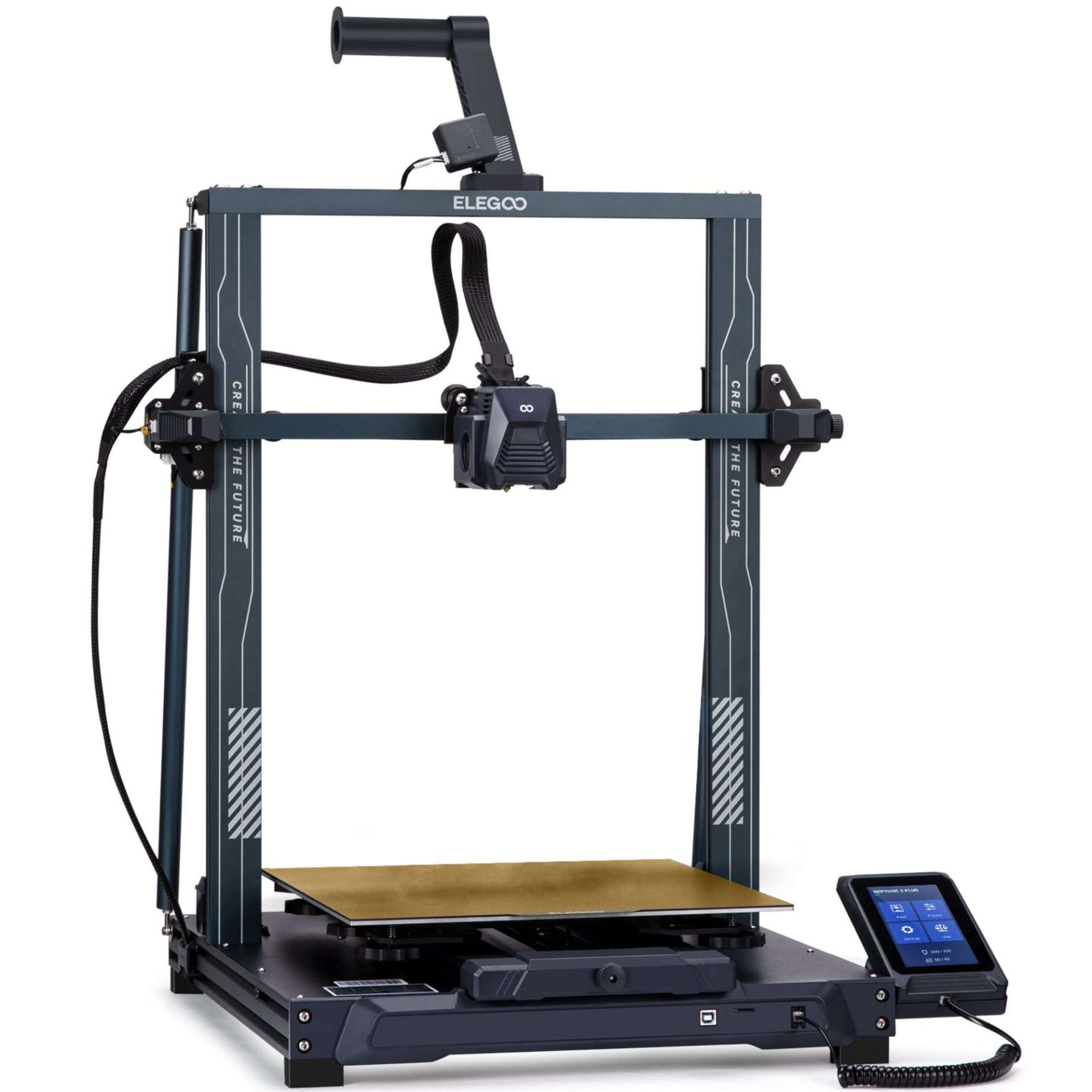
The Elegoo Neptune 3 PLUS isn’t simply an enlarged version of the Neptune 3—it also boasts upgraded specifications that place it among the best large-format 3D printers available. Its standout features include a spacious 320 x 320 x 400mm build volume, automatic mechanical leveling, a PEI-coated build plate, and a direct drive extruder. This combination provides excellent adhesion for a wide range of filaments and handles flexible materials with ease.
To further enhance usability, the Neptune 3 PLUS comes with a filament run-out sensor that pauses printing if the material runs out, preventing failed prints and wasted time. As with other models in the Neptune 3 series, it also includes a resume printing function, allowing you to pick up right where you left off after a power loss or unexpected interruption.
Elegoo has clearly prioritized durability with the Neptune 3 PLUS. The printer’s frame is built from premium aluminum alloy, complemented by added side supports unique to this model. These reinforcements keep the unit stable and upright, ensuring reliable performance and structural integrity for years to come.
Despite being one of Elegoo’s larger 3D printers, the Neptune 3 PLUS is impressively space-conscious. Its sleek, streamlined design allows it to fit seamlessly into a variety of workspaces. On the connectivity front, it offers multiple options, WiFi, USB, and an SD card slot – making it easy to send files to the printer and track progress from either a computer or a mobile device.
Specifications & Key Features
Generous Print Volume
With an expansive build capacity of 320 x 320 x 400 mm (12.59 x 12.59 x 15.74 inches), you’ll have ample room to position projects, produce larger models, or run multiple prints at once—maximizing efficiency and flexibility.
Dual-Gear Direct Extruder
The upgraded dual-gear direct drive extruder provides a firm grip on the filament, delivering strong, consistent feeding for stable, high-quality prints. This design greatly reduces the chances of nozzle clogs or issues like under-extrusion. The Elegoo Neptune 3 PLUS supports a broad variety of filament types – PLA, PETG, ABS, and even flexible materials such as TPU – giving users the freedom to experiment with different media and choose the best fit for each project.
Print Bed Leveling Automatically
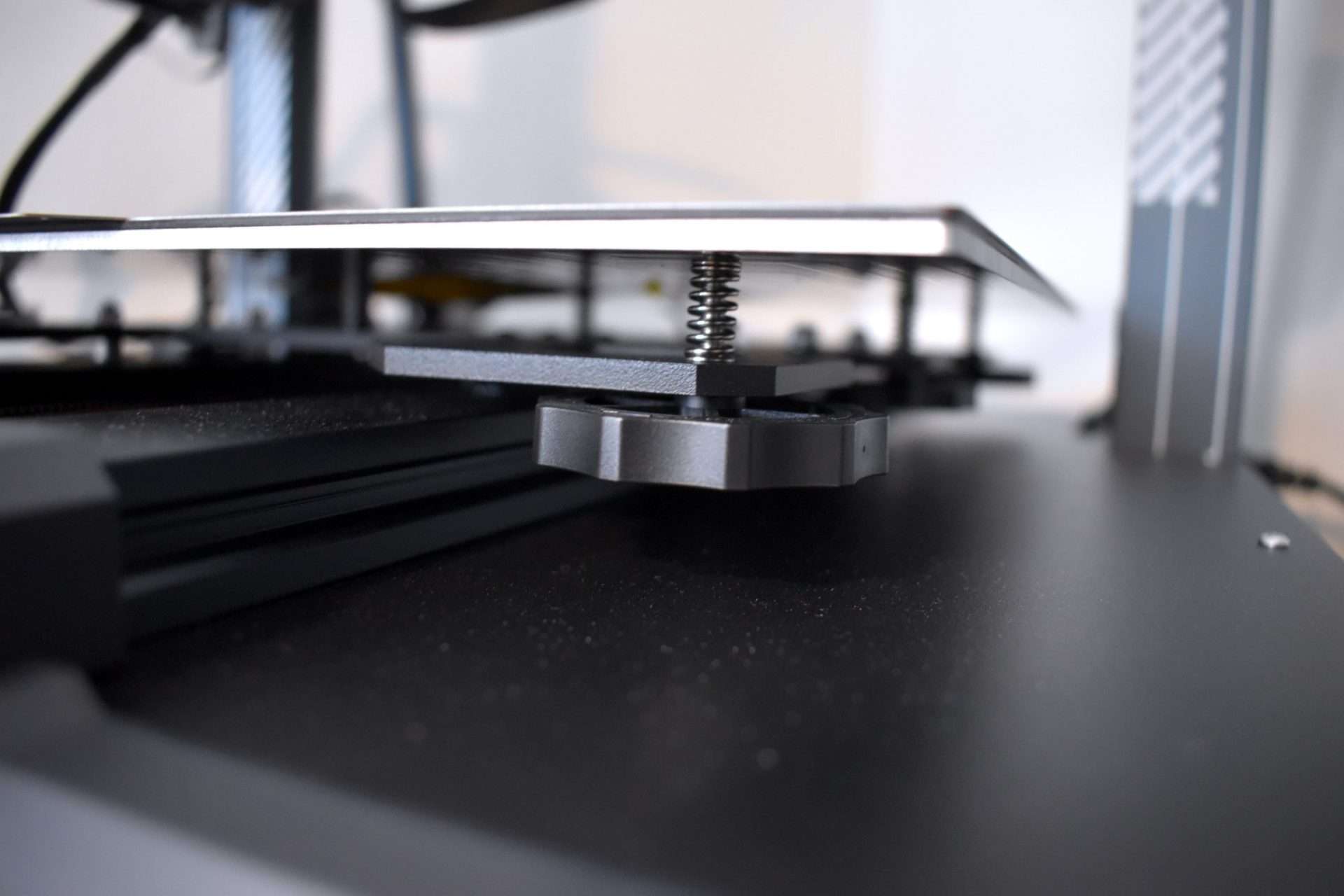
With the Neptune 3 PLUS’s larger print bed, precise leveling is handled by a sensor that measures 49 individual points across the surface. This high-precision, non-contact sensor detects deviations at a 7×7 grid, after which you manually fine-tune the Z-axis height to correct for any surface irregularities. Hand-adjustable knobs beneath the hotbed make it easy to tweak each section, and the printer’s software guides you step-by-step through the process for a smooth and beginner-friendly setup.
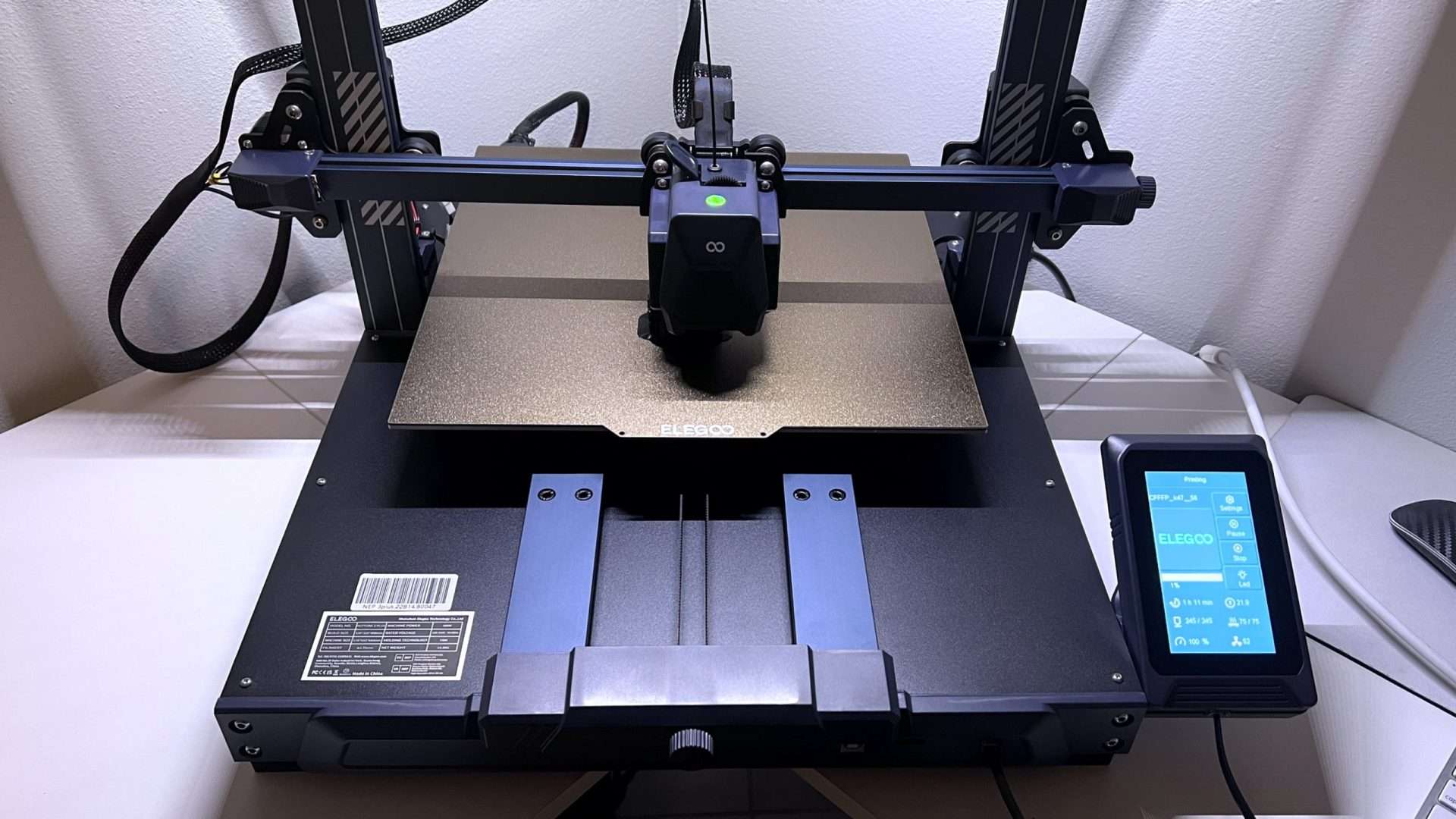
Removable Capacitive Touchscreen
The 4.3-inch capacitive touch display can be used either mounted on the base or detached for handheld control, giving users flexibility in how they operate the printer.
Z-Axis Dual Lead Screw
Equipped with dual motors and synchronized lead screws, the Z-axis delivers smoother, more precise movement while eliminating the print deviations often caused by a single motor setup. This results in greater accuracy and stability throughout the printing process. Paired with an STM 32-bit motherboard, the X, Y, Z, and extruder axes are all powered by silent drivers, reducing noise levels to under 50dB.
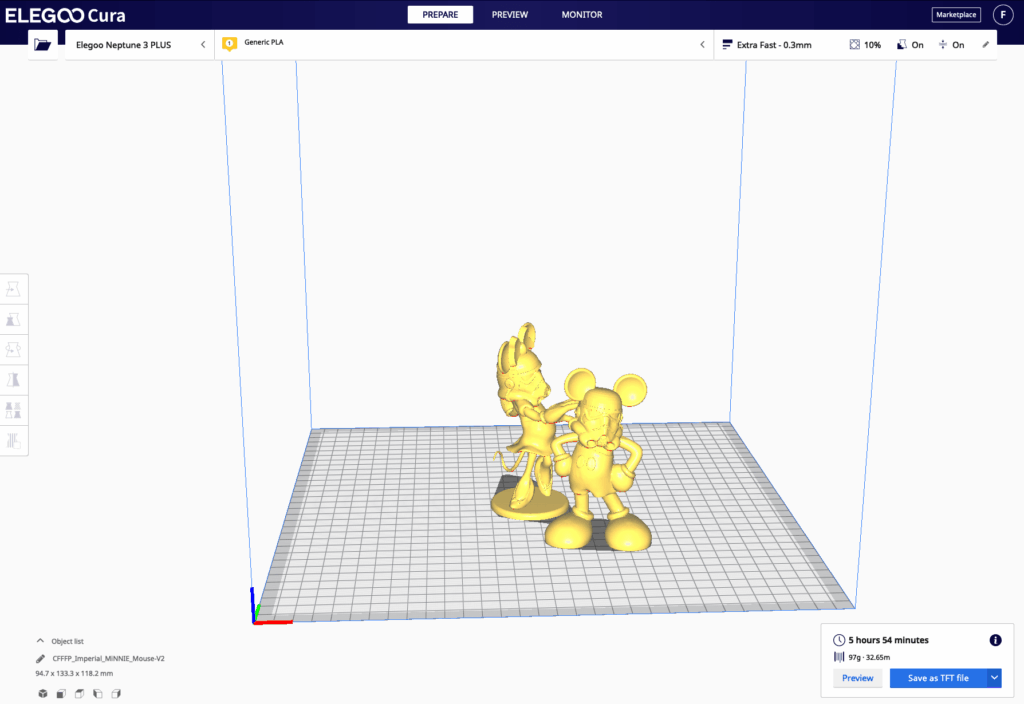
Advantages – Slicer Compatibility
The Neptune 3 Plus integrates seamlessly with Cura software, and Elegoo also provides a customized version known as Elegoo Cura. While the printer didn’t have a preloaded profile at launch, setting it up is simple. Just create a new profile, enter the printer’s build dimensions, and you’re ready to make full use of its expansive print bed.
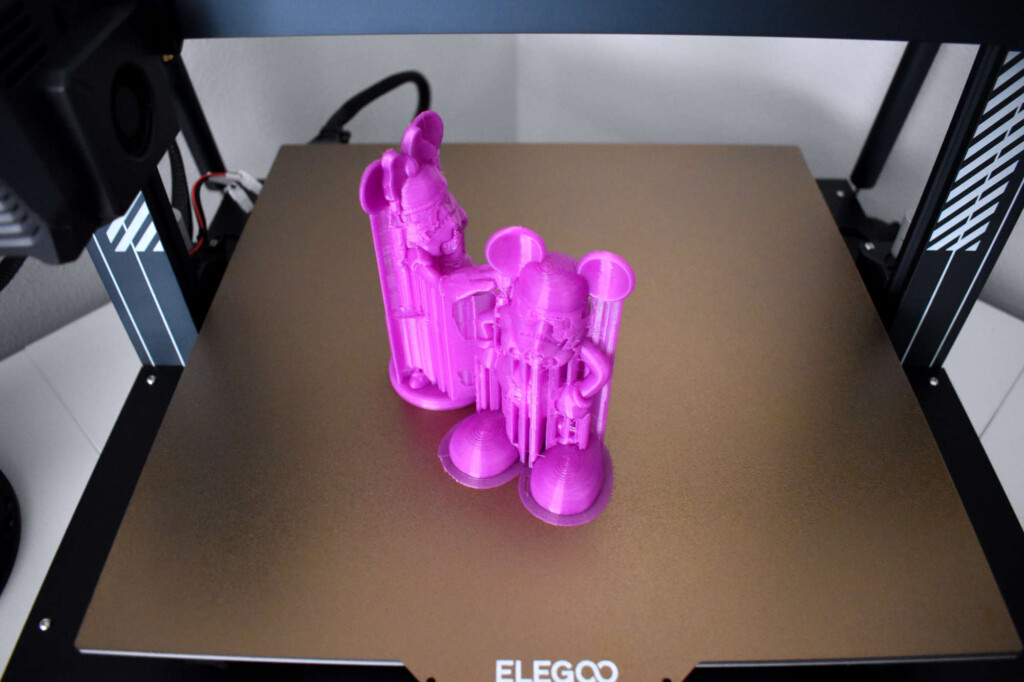
While the default print settings provide a decent baseline, they aren’t always the most effective for the specific filament you’re working with. To achieve the highest-quality prints on the Neptune 3 Plus, it’s worth fine-tuning a few key parameters. These include retraction settings, nozzle and bed temperatures, flow rate, and fan speed.
Magnetic PEI Print Bed Surface
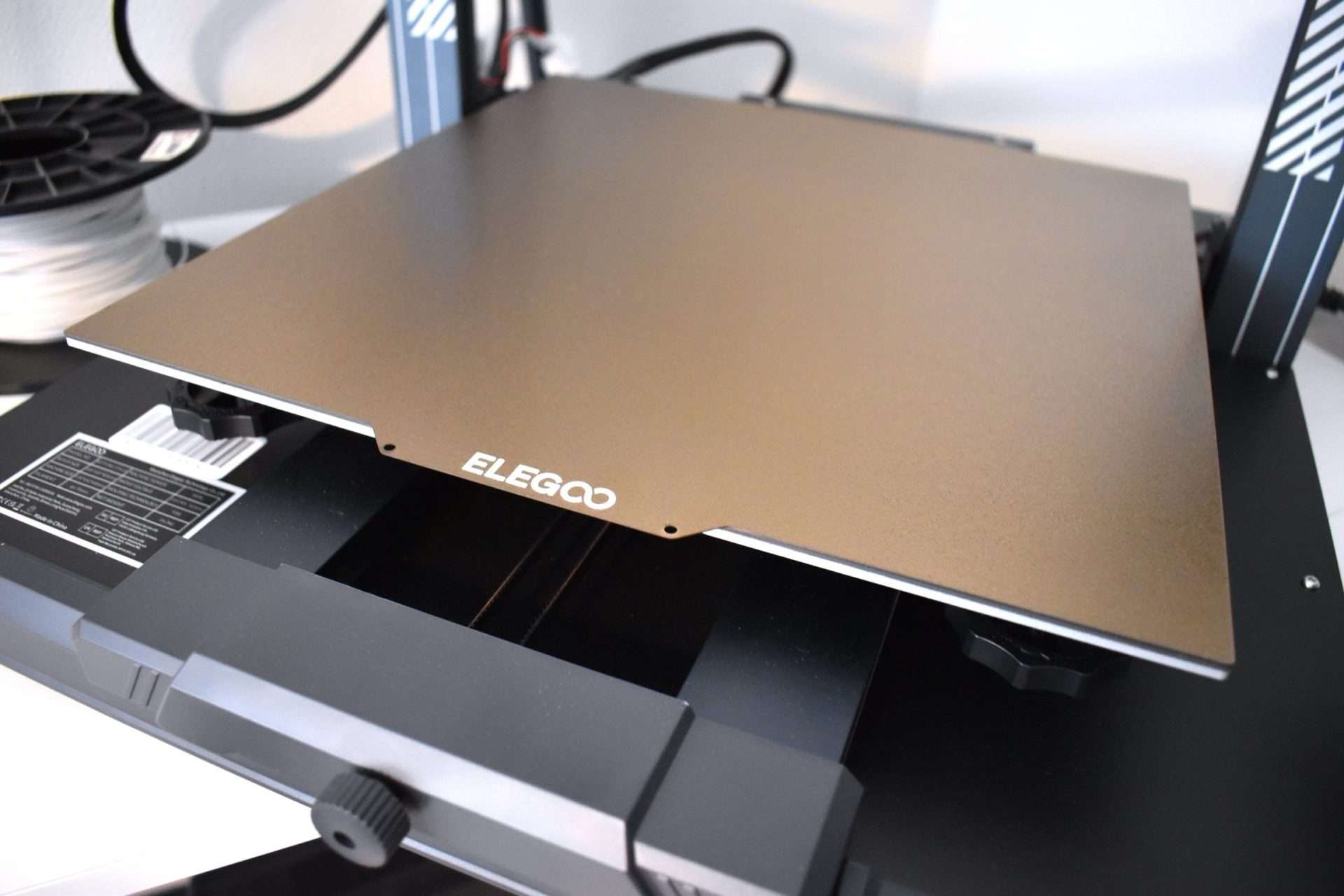
The Neptune 3 Plus is equipped with a large PEI magnetic build plate featuring a special surface coating that improves adhesion and helps prevent warping. Because the platform is flexible and magnetically attached, it can be removed with ease. This design allows you to release prints by simply giving the plate a gentle bend, making parts pop off effortlessly. Compared to older printing surfaces that often required scraping and risked damage, this is a far more user-friendly and durable solution.
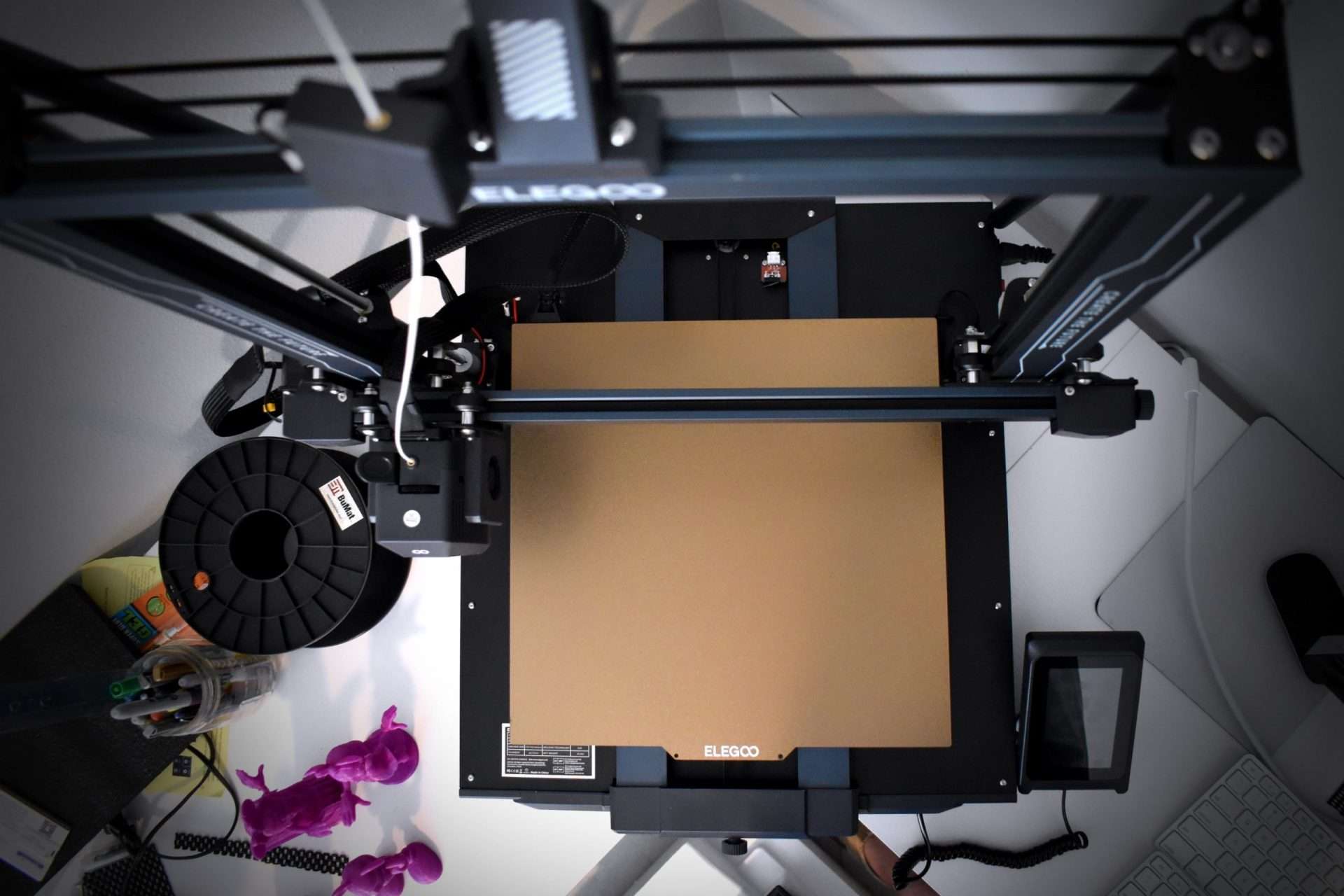
Many modern 3D printers now include a PEI-coated build plate, but this is the largest one I’ve personally used. The PEI surface provides excellent adhesion for a wide range of filament types. Its textured magnetic layer grips the print securely, helping to prevent lifting during a job. I did find that slightly increasing the bed temperature improved results – bumping PLA’s standard 60º setting up to 65º kept the base warm enough to maintain solid adhesion throughout the entire print.
The Perfect Sensor
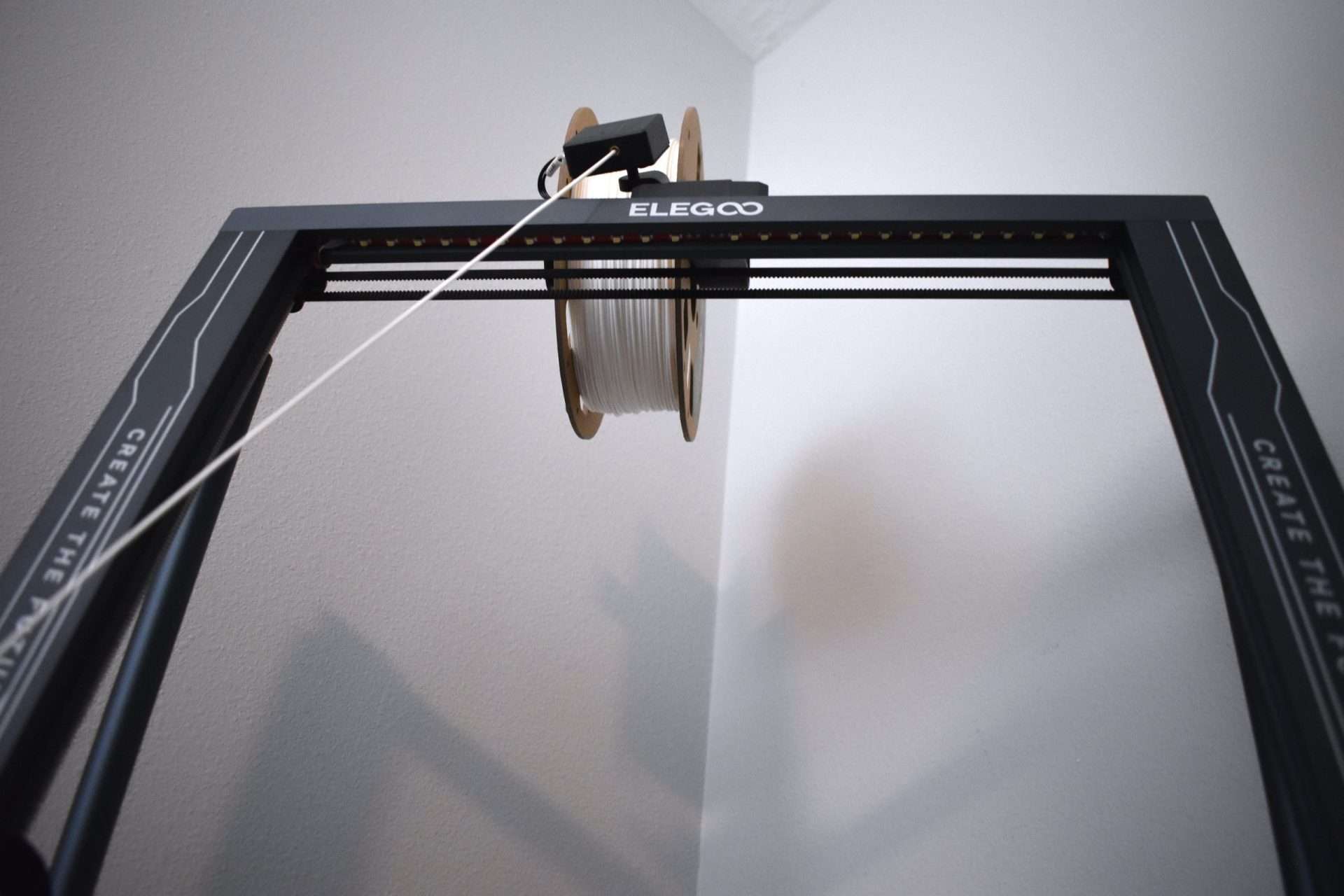
To reduce the overall weight of the print head, the filament sensor is positioned beneath the filament holder, hanging freely. This mounting style allows it to respond smoothly as the filament moves. The sensor’s job is to detect when the filament runs out or snaps. Once it no longer senses material, the printer halts immediately. This feature is particularly useful for large prints where spool capacity might be a concern. You can start a print without worry – if the filament runs out, the printer pauses automatically, giving you time to swap in a new spool before continuing.
Pros
- Straightforward setup process
- Works with multiple filament types
- Generous build volume for larger projects
- Delivers consistently high-quality prints
- Magnetic PEI Print Bed Surface
- Includes necessary accessories to complete the setup and begin 3D printing
Cons
- Requires assembly before use
The Elegoo Neptune 3 Plus brings significant upgrades compared to the Neptune 2, all while maintaining an impressive price point of around $350. For beginners or hobbyists who want an affordable entry into 3D printing with a larger build area, this model is a strong recommendation. It’s quick to get up and running, making the first printing experience smooth and accessible.
With the addition of auto bed-leveling, a PEI magnetic plate, an advanced extrusion system, along with a filament sensor and power loss recovery, the Neptune 3 Plus stands out as one of the most well-rounded printers in its category.
Conclusion
The Elegoo Neptune 3 PLUS proves to be a dependable and easy-to-use 3D printer, making it a great option for both newcomers and seasoned makers. With its accurate printing performance, intuitive software, and multiple connectivity features, it delivers versatility and convenience in one package. If you’re considering a new 3D printer, the Elegoo Neptune 3 PLUS is worth a look. Available on the Official Website or on Amazon.
